PC Controls
- WASD / Arrow Keys: Move.
- Mouse: Look around.
- Space: Jump.
- Shift: Sprint.
- C: Crouch.
- Left Mouse Button: Punch or use.
- E: Interact.
- F: Switch to first-person view.
- G: Hold to open the emote wheel.
- Enter: Open chat.
- P: Open menu and settings.
Mobile Controls
- Virtual Joystick: Move.
- Swipe: Look around.
- Jump / Run / Crouch Buttons: Control movement.
- Punch Button: Attack or use.
- On-Screen Icons: Access emotes, camera, chat, and settings.




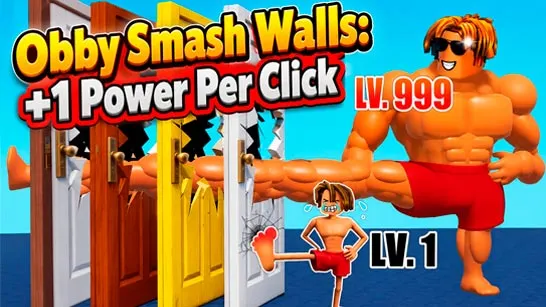
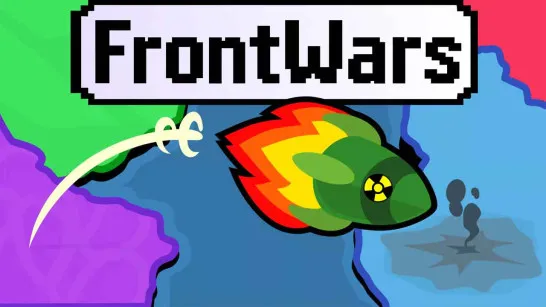
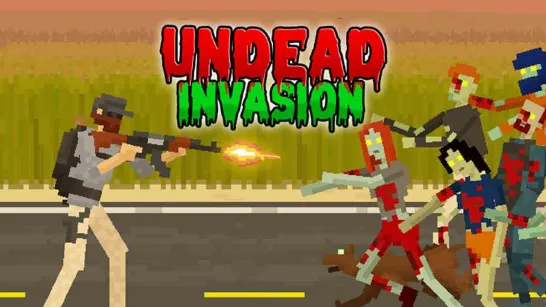




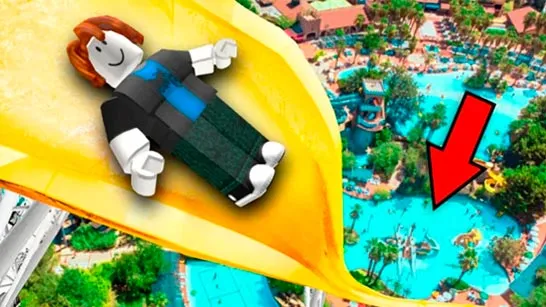
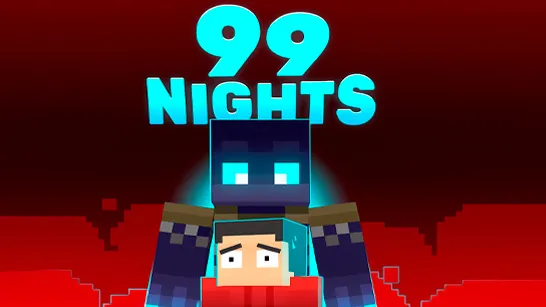
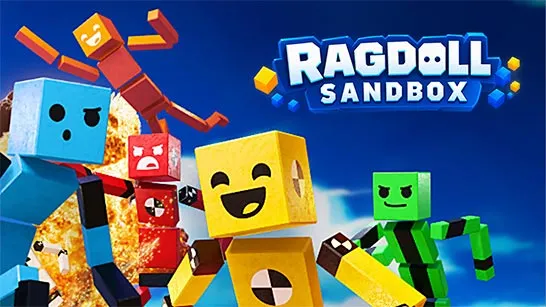


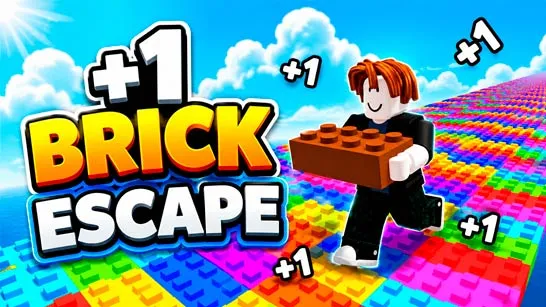
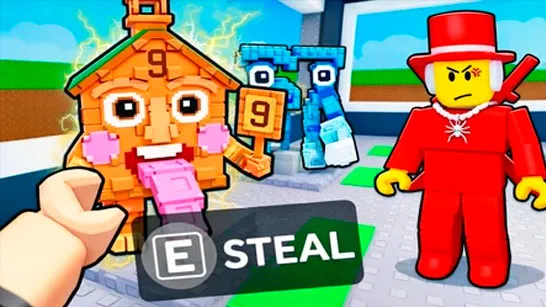
Blombo.io
About Blombo.io
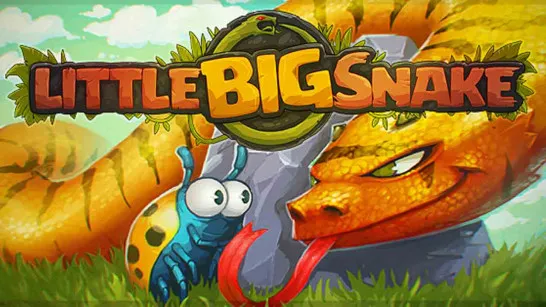
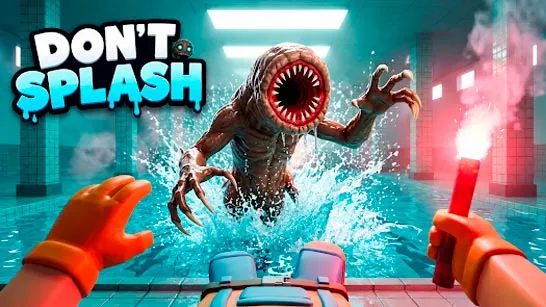
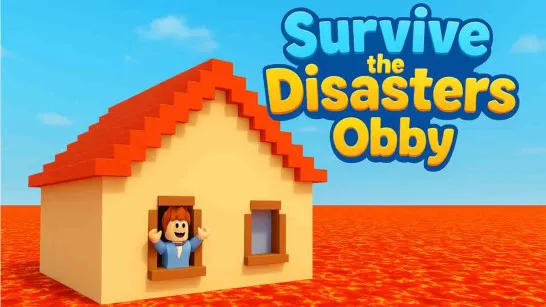
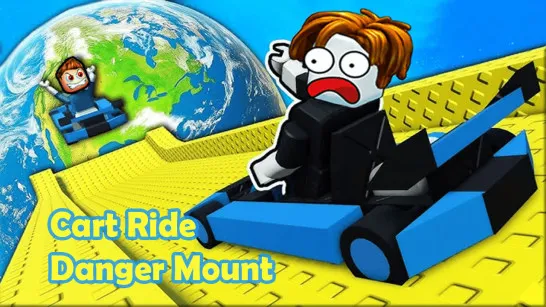
Blombo.io is a 3D multiplayer sandbox platform where you can explore hundreds of community-created experiences, meet other players, and even build your own games. From challenging parkour courses and zombie survival adventures to competitive battles and relaxing roleplay worlds, there's always something new to discover.
This virtual playground gives you the freedom to choose how you want to play. Create your character, join friends across different worlds, or experiment with the built-in game editor. Whether you enjoy competition, creativity, or simply hanging out, the possibilities extend far beyond a single game.
A World of Multiplayer Fun
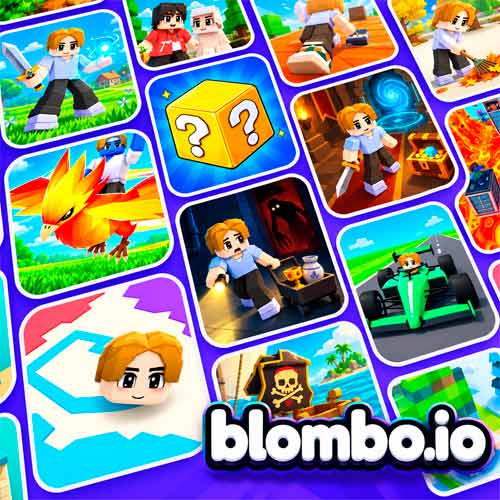
- 100+ Community Games: Discover obbies, battle royale arenas, survival challenges, tycoon games, and more.
- Online Multiplayer: Join other players, invite friends, and explore shared worlds.
- 3D Game Creator: Build custom environments using blocks, objects, and ready-made models.
- Character Customization: Personalize your avatar with skins, accessories, and animations.
- Social Features: Chat, create parties, and stay connected with friends.
- Community Content: Explore new games and updates created by other players.
How to Play Blombo.io
Start by choosing an experience from the game library. Each world has its own objectives and rules, so you can switch between different activities whenever you want.
Gameplay Mechanics
- Discover Games: Browse HOT, NEW, BEST, and UPDATED sections to find experiences that interest you.
- Join Multiplayer Worlds: Enter a game, follow its instructions, and complete challenges alongside other players.
- Customize Your Avatar: Change your character's appearance and use emotes to express yourself.
- Play With Friends: Create a party, chat, and join the same worlds together.
- Build Your Own Game: Open the 3D editor, place objects, design environments, and test your creation before publishing it.
Game Controls
PC Controls
- WASD / Arrow Keys: Move.
- Mouse: Look around.
- Space: Jump.
- Shift: Sprint.
- C: Crouch.
- Left Mouse Button: Punch or use.
- E: Interact.
- F: Switch to first-person view.
- G: Hold to open the emote wheel.
- Enter: Open chat.
- P: Open menu and settings.
Mobile Controls
- Virtual Joystick: Move.
- Swipe: Look around.
- Jump / Run / Crouch Buttons: Control movement.
- Punch Button: Attack or use.
- On-Screen Icons: Access emotes, camera, chat, and settings.
Some community-created games may use additional controls.
Exploring Tips in the Blombo Universe
- Start With Popular Games: Check the HOT section to find active multiplayer worlds.
- Read Each Game's Instructions: Objectives and mechanics change between experiences.
- Play With Friends: Team up for cooperative adventures or compete in challenges.
- Explore Different Genres: Try parkour, survival, roleplay, and building games to find your favorites.
- Experiment With the Editor: Begin with simple structures before creating more complex worlds.