Controls Guide
PC:
- W / Up Arrow: Accelerate.
- S / Down Arrow: Brake.
- A / D or Left / Right Arrows: Steer.
- Spacebar: Jump.
Mobile:
- On-screen controls: Steer, accelerate, brake, and jump.








Obby Roads
About Obby Roads Game
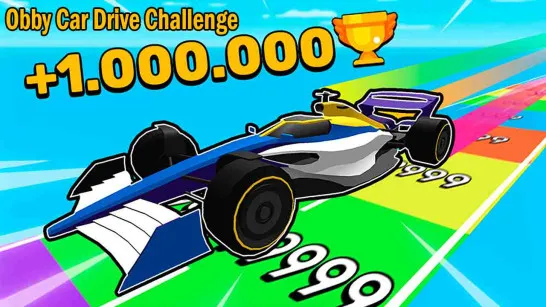
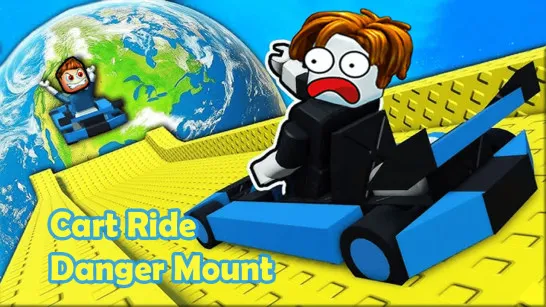
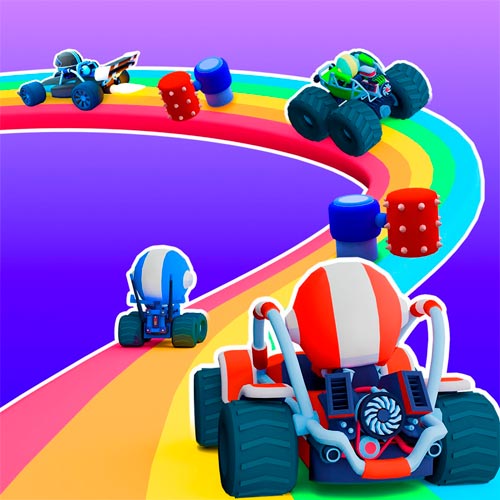
Obby Roads is a 3D driving game that combines high-speed racing with tricky parkour challenges. Take control of a car and race across floating tracks packed with narrow bridges, moving obstacles, steep ramps, and dangerous gaps. One wrong turn could send you falling off the road! The game lets you test your driving skills in solo challenges or compete against other players online. Complete courses, beat your best times, and unlock new vehicles, from tiny toy cars to powerful monster trucks.
What Makes This Driving Challenge Exciting?
- Floating obstacle courses: Race across suspended roads filled with gaps, ramps, and moving traps.
- Driving and parkour mechanics: Steer, brake, and jump to overcome tricky sections.
- Multiple game modes: Explore Obby, Campaign, Race, and special challenges.
- Online multiplayer: Compete against other drivers or challenge your friends.
- Unlockable vehicles: Discover monster trucks, toy cars, race cars, and more.
- Time-based challenges: Reach checkpoints, improve your records, and climb the leaderboards.
Drive, Jump, and Conquer Floating Roads
Your goal is to reach the finish line without falling off the track. Balance speed with careful steering, time your jumps, and find the safest route through each obstacle course.
Master the Tracks and Race to the Finish
Start by choosing a vehicle and entering a course. Accelerate along open roads, but slow down when approaching narrow bridges, sharp turns, or moving traps. Use the jump button to cross gaps and avoid obstacles that block your path.
Checkpoints mark your progress as you work toward the finish line. In solo challenges, focus on completing courses and improving your time. Multiplayer races add another challenge as you compete against other drivers to finish first.
As you progress, unlock different vehicles and take on tougher tracks that demand better timing and control.
Controls Guide
PC:
- W / Up Arrow: Accelerate.
- S / Down Arrow: Brake.
- A / D or Left / Right Arrows: Steer.
- Spacebar: Jump.
Mobile:
- On-screen controls: Steer, accelerate, brake, and jump.
Tips to Master Every Obstacle
- Slow down on narrow roads: Careful steering matters more than maximum speed.
- Time your jumps: Line up your car before crossing gaps or obstacles.
- Watch moving traps: Learn their patterns before driving through.
- Use checkpoints: Focus on clearing one difficult section at a time.
- Practice before racing: Learn the course layout to improve your finish time.