Game Controls
- PC: Left Mouse Button: Click to bounce upward.
- Mobile: Tap the Screen: Bounce upward.





















Color Switch
Color Switch | Endless Challenges
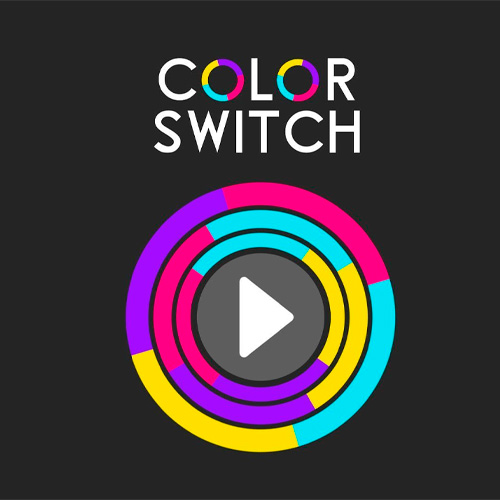
Color Switch is a 2D timing-based arcade game that turns a simple tap into a test of patience and precision. Guide a bouncing ball upward through rotating circles, moving bars, and colorful geometric obstacles. There's one essential rule: your ball can only pass through sections that match its current color. Touch the wrong color, and your run ends. As the patterns become harder to read, staying calm matters just as much as reacting quickly.
What Keeps Every Bounce Interesting?
- Color-Matching Obstacles: Pass through sections that share your ball's color.
- Moving Shapes: Navigate spinning rings, shifting bars, and other geometric patterns.
- Color Switchers: Encounter special objects that change your ball's color.
- One-Tap Gameplay: Control your ball's upward movement with simple clicks or taps.
- Precision Challenges: Learn obstacle patterns and improve your timing with each attempt.
Find the Right Moment to Move
The key to winning isn't tapping faster. It's knowing when to stop and watch.
Guide the Ball Through Matching Sections
Click or tap to bounce upward. As you approach an obstacle, identify the segment matching your ball and wait until it lines up with your path. Use controlled taps to maintain your position before passing through.
Color-changing objects can suddenly give your ball a new color. Check its appearance before approaching the next obstacle. A safe opening moments ago might now be the wrong one.
Game Controls
- PC: Left Mouse Button: Click to bounce upward.
- Mobile: Tap the Screen: Bounce upward.
Tips for Better Timing
- Watch the rotation: Learn how each obstacle moves before crossing.
- Use short taps: Avoid bouncing too high into an unsafe section.
- Check your color: Always reassess after hitting a color switcher.
- Stay patient: Wait for a safe opening rather than forcing your way through.