Game Controls
PC
- WASD: Move your character.
- Mouse: Look around and aim.
- Left Mouse Button: Use the equipped item or interact, depending on the tool.
- V: Switch to controlling a supported character or vehicle.
- Esc: Open the menu.
Mobile
- Virtual Joystick: Move your character.
- On-screen Buttons: Look around and use available actions.












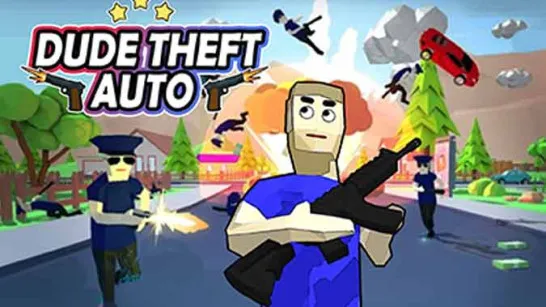


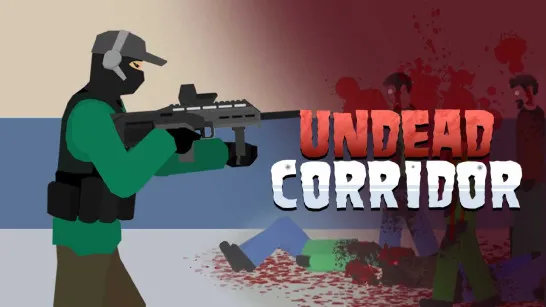


Ketchup and Doll
Overview of Ketchup and Doll Game
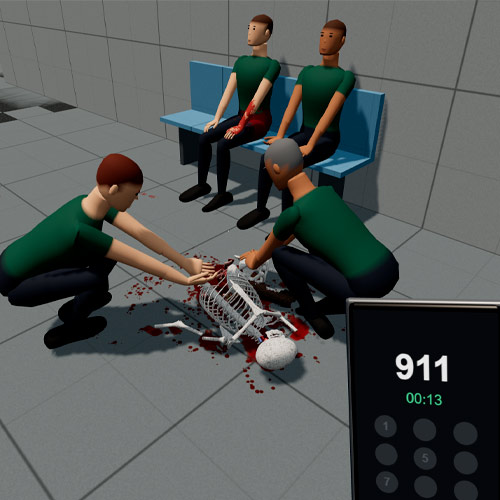
Ketchup and Doll is a 3D physics sandbox game that lets you experiment with ragdoll characters, vehicles, weapons, and interactive environments. It gives you a space to test how objects and characters react to different situations.
This action game focuses on realistic-looking physical reactions and unpredictable interactions. Ragdoll characters respond to impacts, collisions, and external forces, making each experiment play out differently. You can push characters into objects, test various weapons, or combine multiple elements to see how they affect one another. The game's damage physics adds another layer to these experiments, allowing you to observe the results of different actions.
What Can You Experiment With?
- Ragdoll Physics: Watch characters react to impacts, movement, and environmental hazards.
- Interactive Weapons: Try different weapons and observe their effects on objects and NPCs.
- Drivable Vehicles: Experiment with cars and other vehicles in physics-based situations.
- Multiple Environments: Explore different maps with their own objects and surroundings.
- Creative Sandbox Tools: Arrange interactions and experiment without a fixed winning condition.
Explore, Interact, and Create Your Own Scenarios
Test the Physics System
Move around the environment and choose what you want to interact with. You can experiment with collisions, observe ragdoll movement, or use the available tools to create unusual situations. The physics system responds to your actions, so the same setup may produce different results depending on movement, positioning, and timing.
Try Different Ways to Play
Free exploration is only one option. Certain versions also include structured scenarios with specific objectives. You can switch between experimenting in the sandbox and testing your skills in these situations.
Game Controls
PC
- WASD: Move your character.
- Mouse: Look around and aim.
- Left Mouse Button: Use the equipped item or interact, depending on the tool.
- V: Switch to controlling a supported character or vehicle.
- Esc: Open the menu.
Mobile
- Virtual Joystick: Move your character.
- On-screen Buttons: Look around and use available actions.
Tips and Tricks for Better Experiments
- Start with simple interactions to understand how objects behave.
- Explore different tools before combining them in one setup.
- Use open spaces when experimenting with vehicles.
- Change one element at a time to see how it affects the outcome.