
Game Controls
- WASD – Move
- Space – Jump
- Shift – Crouch / Slide
- Left Click – Shoot
- Right Click / L – Aim down sights
- Enter – Chat
- Esc – Pause





Deadshot.io
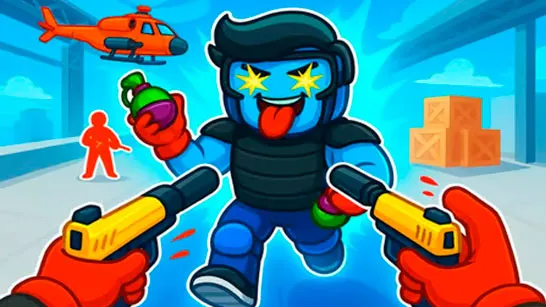
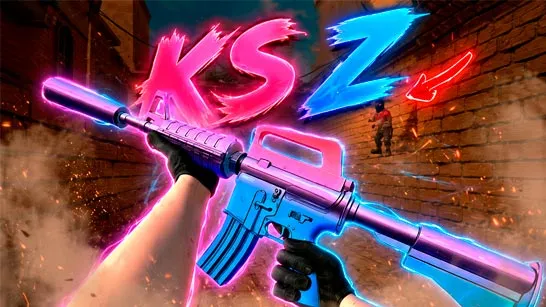
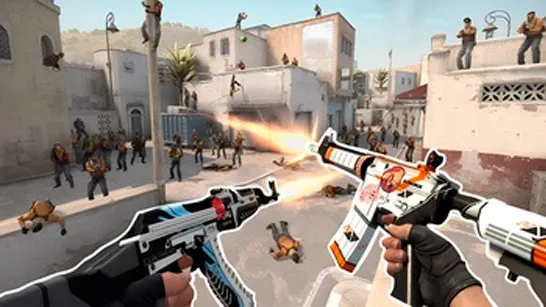
Deadshot.io is a high-speed IO first-person shooter designed to suit a gamer, who favors the sniping accuracy, quick response, and unceasing pressure. The game does not require long tutorials or complex systems; it simply throws you right into live online games where talent is the only thing that counts. Each round is brief, sharp and unforeseeable ideal in either quick hits or long competitive grinds.
How to Play Deadshot.io
It is easy and refreshing to get going. Click Play, and you are immediately pitted in an online game against actual players world wide. In case you want something more moderate, you may make or enter custom games to practice a given mode or map with your friends. As you play, you earn experience, climb the leaderboard, and unlock access to the shop and locker by logging into an account. Weapons and cosmetics you purchase are stored permanently, letting you fine-tune your loadout over time.
Game Modes Explained
Deadshot.io has a variety of popular multiplayer FPS modes, each of which promotes a different way to play:
- Free for All (FFA) - Everyone is an enemy. Quick reflex and motion is essential.
- Team Deathmatch (TDM) - Two teams fight to the highest score by fighting in a coordinated manner.
- Hardpoint - Occupy a specific area with your team to accrue the points with time.
- Kill Confirmed (KC)- Kill and take their dog tags to score.
- Domination - Take control points and hold them throughout the map to win.
The only way to enhance the overall skill is to experiment with various modes to discover the most appropriate playstyle.
Weapons, Classes, and Progression
Before jumping into a match, you can select a weapon class that fits your preferred combat range:
- SMGs for close-quarters aggression
- Assault Rifles for balanced mid-range fights
- Sniper Rifles for long-range precision
- Shotguns for high-risk, high-reward encounters
Each weapon handles differently, with its own reload speed, recoil, and optimal engagement distance. Learning when to push, hold angles, or reposition makes a massive difference especially against experienced players.
Game Controls
- WASD – Move
- Space – Jump
- Shift – Crouch / Slide
- Left Click – Shoot
- Right Click / L – Aim down sights
- Enter – Chat
- Esc – Pause
Fine-tuning sensitivity and keybinds in the settings menu can significantly improve performance.
Tips to Improve Faster
- Aim down sights whenever possible to reduce bullet spread
- Use sliding to break enemy aim and escape bad positions
- Learn map layouts to control choke points
- Don’t chase kills blindly positioning wins games
- Small habits quickly add up in a skill-based FPS like Deadshot.io.
Best Similar Fast-Paced .io FPS Games
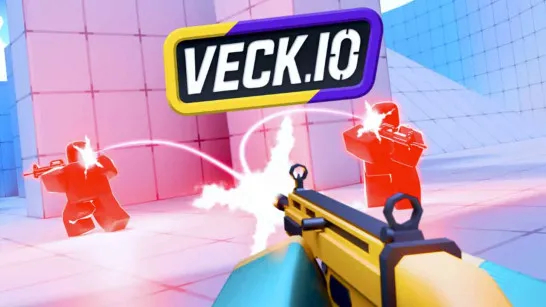
- Veck.io: Voxel team frenzy—build, blast, and outmaneuver in chaotic arena shootouts!
- Shell Shockers: Egg-cracking chaos—arm up and shatter rivals in slippery FPS mayhem!
- Krunker: Slidehop mastery—parkour, custom loads, and razor-sharp arena frags!
- OpenFront: Open-world vehicle wars—drive, shoot, and claim endless territory!
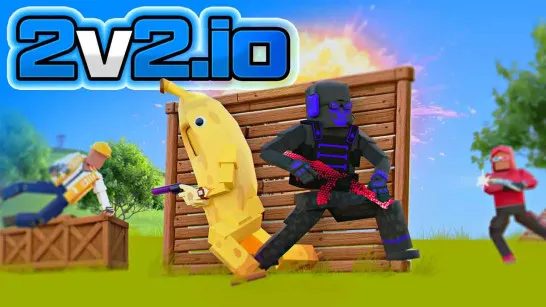
- 2v2.io: Quick, real-time 2v2 battles that emphasize teamwork and personal skill in fast-paced arena combat.
- Voxiom: Join thrilling battles in a colorful 3D voxel world featuring dynamic gameplay and destructible maps.
- FrontWars: Real-time strategy clashes—expand territory, manage resources, and outplay rivals in fast-paced multiplayer wars!
Deadshot.io is a game that fulfills all requirements that the competitive FPS players expect in a browser game: high-speed gameplay, skill-based gunplay, and a robust multiplayer environment. Ready to shoot your gun and see your reflexes? Play Deadshot.io now!