Game Controls
- W / A / S / D: Move up, left, down, and right.
- Mouse Right Button: Aim.
- Mouse Left Button: Shoot.
- R: Use items or reload.
- E: Interact with objects.
- Mouse Middle Button: Kick or cancel.
- Left Shift: Run.





















Last Light
Last Light - Survive the Darkness
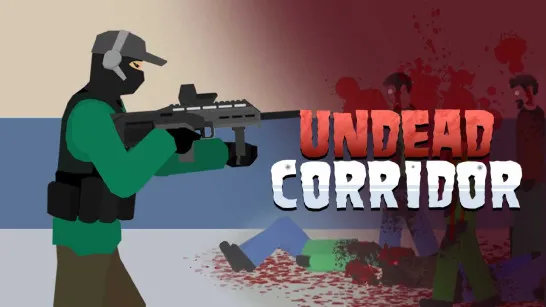
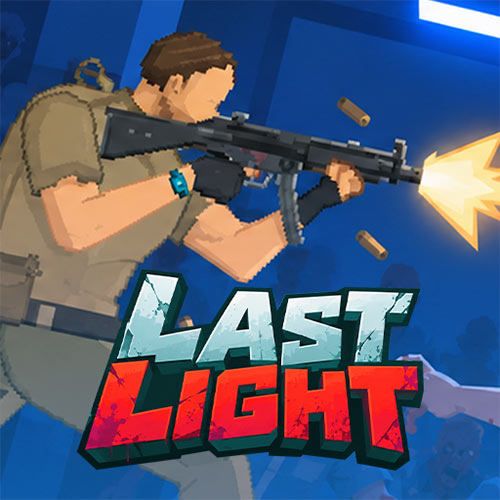
Trapped inside a mysterious laboratory, you must stay alive while dangerous creatures roam the corridors. Last Light is a 2D side-scrolling survival horror game that blends action, adventure, zombie shooting, and resource management. Explore the facility, fight dangerous creatures, and reinforce your defenses while searching for an escape route. With limited ammunition and supplies, every decision can mean the difference between survival and death.
Electricity is just as important as your weapons. Manage power between lighting, security systems, and the elevator while monitoring your battery. As darkness falls and zombies approach, careful planning becomes essential. Can you keep the laboratory running long enough to escape?
Key Features
- 2D Survival Horror: Explore a dark laboratory filled with zombies and unexpected dangers.
- Zombie Combat: Aim, shoot, and defend yourself against approaching enemies.
- Power Management: Generate and distribute electricity between lighting, security, and elevator systems.
- Defensive Upgrades: Reinforce doors and improve protection against zombie attacks.
- Interactive Environment: Examine objects, collect items, and interact with equipment throughout the facility.
- Resource Management: Balance ammunition, money, time, and electricity to stay alive.
How to Play Last Light
Your objective is to survive zombie attacks, maintain the laboratory's essential systems, and find a way to escape.
Gameplay Explained
Explore and Fight Zombies
Move through the laboratory, investigate your surroundings, and collect useful items. Aim and shoot when zombies approach, but avoid wasting ammunition. Watch out for enemies that appear at night and prepare for more dangerous encounters when the lights go out.
Manage Power and Defenses
Use the generator to produce electricity and store unused power in the battery. Distribute energy between three important systems:
- Light: Illuminates the laboratory and helps you identify nearby objects.
- Security: Reinforces doors and protects against incoming zombies.
- Elevator: Requires sufficient power to operate.
Upgrade your defenses when possible, and monitor the battery to avoid running out of electricity at a critical moment.
Use Items and Plan Your Escape
Interact with equipment, manage your supplies, and keep track of the time. Some objects can be collected or removed, while others help you prepare for incoming threats. Stay alert, conserve resources, and work toward restoring the elevator.
Game Controls
- W / A / S / D: Move up, left, down, and right.
- Mouse Right Button: Aim.
- Mouse Left Button: Shoot.
- R: Use items or reload.
- E: Interact with objects.
- Mouse Middle Button: Kick or cancel.
- Left Shift: Run.
Survival Tips
- Keep the lights on when exploring. Darkness makes it harder to identify objects and nearby threats.
- Monitor your electricity. Save enough power for security and the elevator instead of spending everything on lighting.
- Reinforce doors early. Stronger defenses give you more time to react when zombies attack.
- Check the time regularly. Prepare before nightfall and avoid unnecessary delays.
- Conserve ammunition. Aim carefully and use your resources only when necessary.
Last Light turns a dark laboratory into a tense survival challenge where every bullet, second, and unit of electricity counts. Stay prepared, protect your surroundings, and find your escape before the darkness takes over.