+1 Stone Skipping
Game Controls
PC
- WASD: Move your character.
- Right Mouse Button + Mouse Movement: Rotate the camera.
- Mouse Wheel: Zoom in or out.
- Space: Jump.
- Tab: Show or hide the mouse cursor.
Mobile
- Swipe on the Left Side: Move your character.
- Swipe on the Right Side: Rotate the camera.
- Up Arrow Button: Jump.












+1 Stone Skipping
Rating:
4.9
(26 votes)
Released:
13 October 2026
Technology:
HTML5 (Unity WebGL)
Platforms:
Browser (desktop, mobile, tablet)
About +1 Stone Skipping Game
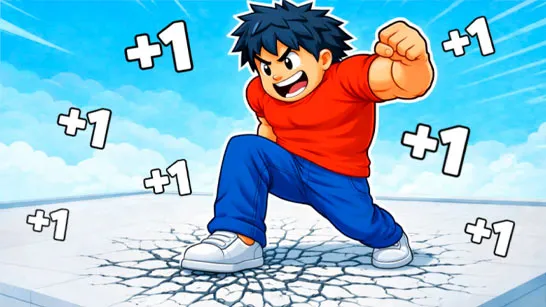
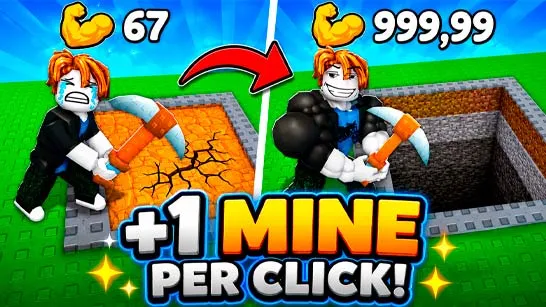
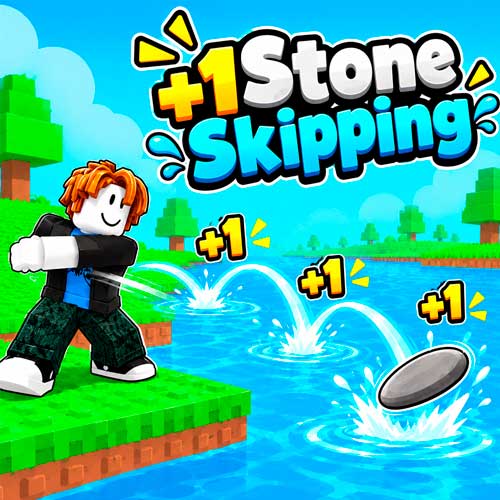
+1 Stone Skipping is a 3D simulation game where every bounce increases your throwing skill. Start with a basic stone, launch it across the water, and earn +1 Skill for each successful skip. As your strength grows, your throws travel farther, helping you reach new zones and collect more Wins. Spend your rewards on better stones, discover unusual throwing objects, and collect pets that boost your progress. With training and rebirth mechanics, each attempt brings you closer to breaking your longest-distance record.
Key Features of +1 Stone Skipping
- Skill Progression: Gain +1 Skill for every stone bounce.
- Long-Distance Throws: Improve your throwing power to reach farther zones.
- Stone Collection: Unlock stronger stones and unusual objects, including a donut.
- Pet Boosts: Collect pets that help increase your throwing performance.
- Wins and Rewards: Reach new distances to earn Wins and improve your progress.
- Rebirth System: Reset your progression to gain long-term strength bonuses.
How to Play +1 Stone Skipping
Your goal is to throw stones as far as possible by increasing your Skill, collecting rewards, and improving your throwing equipment.
Core Mission
- Skip Stones and Gain Skill: Each bounce earns you +1 Skill, helping you throw farther. Keep training to reach new distances and beat your previous record.
- Earn Wins and Unlock Stones: Reach farther zones to earn Wins and unlock better stones or unusual throwing objects, including a donut.
- Collect Pets and Rebirth: Collect pets for powerful boosts and use Rebirth to grow stronger. Keep upgrading to achieve even longer throws.
Game Controls
PC
- WASD: Move your character.
- Right Mouse Button + Mouse Movement: Rotate the camera.
- Mouse Wheel: Zoom in or out.
- Space: Jump.
- Tab: Show or hide the mouse cursor.
Mobile
- Swipe on the Left Side: Move your character.
- Swipe on the Right Side: Rotate the camera.
- Up Arrow Button: Jump.
Tips to Throw Stones Farther
- Build Skill consistently: Every bounce counts, so keep throwing to improve your strength.
- Focus on distant zones: Longer throws help you earn more Wins.
- Unlock better objects: Upgrade your throwing equipment as you progress.
- Collect pets early: Their boosts can make training and progression more efficient.
- Use Rebirth strategically: Take advantage of long-term bonuses to push beyond your previous distance record.