
Traffic Racing Controls Guide
- Up Arrow - accelerate
- Down Arrow - brake
- Left / Right Arrow - steer
- C - change camera view
- F - nitro boost
- E - horn
- W - shift gear up (manual mode)
- D - shift gear down (manual mode)
- ESC - pause or exit race



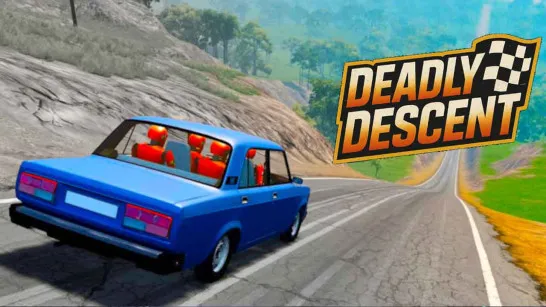
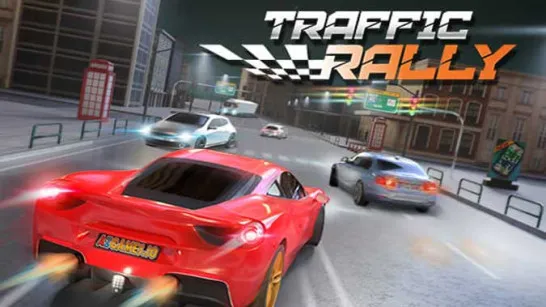

Racing Limits
About Racing Limit
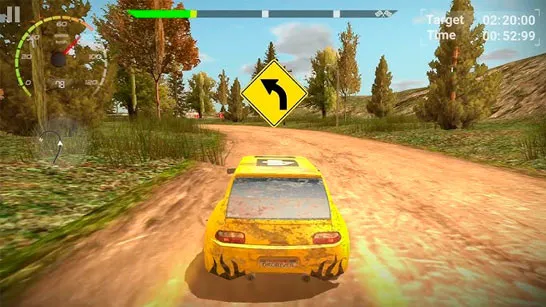
Racing Limits is an online traffic racing simulation game where your goal is simple: drive as far as possible, overtake vehicles safely, and upgrade your car while pushing your reaction skills to the limit. Instead of traditional lap racing, the challenge happens on busy city roads and highways, where every lane change matters.
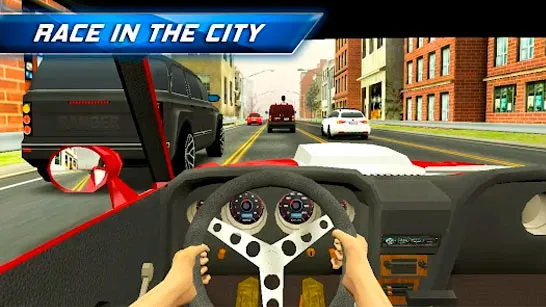
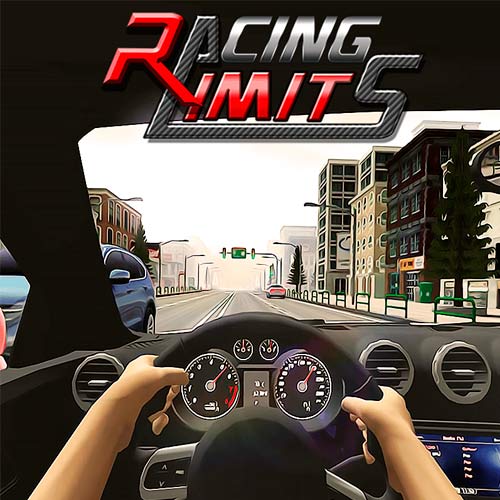
Players often describe Racing Limits as one of the most enjoyable endless traffic driving games thanks to its cockpit camera view, smooth controls, and realistic driving feel.
How to Play Racing Limit
Racing Limits focuses on overtaking traffic at high speed while maintaining control in dense road conditions, delivering a realistic car simulation experience. The gameplay rewards precision, timing, and awareness rather than drifting or aggressive collisions.
You can choose between several modes:
- Carrier Mode - complete structured missions and progress through events
- Infinite Mode - drive as far as possible without crashing
- Against-Time Mode - reach checkpoints before time runs out
- Free Mode - relax and explore traffic without pressure
Players can also select one-way or two-way traffic, which changes difficulty significantly. Two-way traffic offers higher rewards but requires sharper reactions. These details make Racing Limits feel closer to a driving simulator-style traffic racer than a simple arcade game.
Multiple Camera Views Improve Control
Racing Limits includes several camera perspectives:
- cockpit view (most immersive)
- hood view
- third-person rear view
- cinematic helicopter-style view
Many players prefer cockpit view because it improves lane positioning during close overtakes.
Upgrade Cars and Earn Money Faster
Progression is based on upgrading performance rather than only unlocking new vehicles. You can improve:
- Engine power
- Braking strength
- Handling stability
Experienced players often recommend practicing in Infinite Mode first because it helps earn money faster and improves reaction timing naturally.
Traffic Racing Controls Guide
The control system is simple and beginner-friendly:
- Up Arrow - accelerate
- Down Arrow - brake
- Left / Right Arrow - steer
- C - change camera view
- F - nitro boost
- E - horn
- W - shift gear up (manual mode)
- D - shift gear down (manual mode)
- ESC - pause or exit race
These controls make it easy to switch between casual driving and more technical manual transmission gameplay.
Features Players Commonly Talk About
Based on community feedback, several features stand out:
- Realistic interior dashboard design
- Smooth vehicle handling
- Multiple driving modes
- Highway-style endless racing structure
- Manual gear shifting option
- Multiplayer racing support
Some players even describe it as one of the most realistic traffic racing experiences available on mobile-style platforms.
Racing Limits Vs Other Traffic Racing Games
Compared with other highway driving titles, Racing Limits stands out thanks to its manual transmission options and flexible camera perspectives.
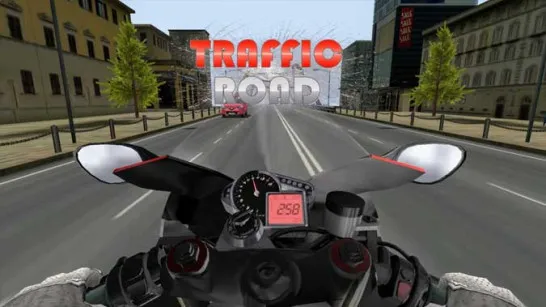
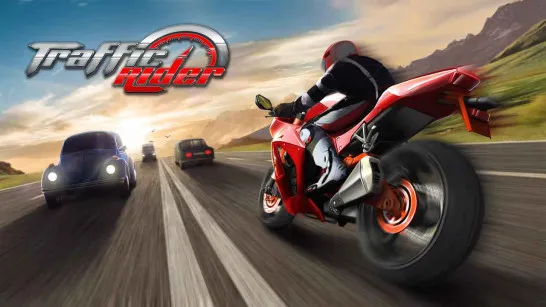
- Traffic Rider: Focuses on high-speed first-person motorcycle riding rather than car simulation. It delivers intense lane-splitting action, but offers fewer dashboard-style realism features than Racing Limits.
- Drift Hunters: Designed around drifting mechanics and track mastery instead of highway survival. Racing Limits shifts the challenge toward precision traffic navigation and long-distance endurance runs.
- Moto X3M series: The stunt-based obstacle racing game with explosive level design. Unlike its level-based progression, Racing Limits creates tension through real-time highway traffic and endless driving scenarios.
Racing Limits remains one of the strongest traffic racing experiences you can play online today. Ready to test your reflexes in fast highway traffic? Play Racing Limits now, upgrade your car, switch camera views, and see how far you can drive without crashing!