One-Button Game Controls
PC Controls
- Hold Left Mouse Button/ Spacebar: Accelerate
- Release: Slow down before and through corners
Mobile Controls
- Press and hold the screen: Accelerate
- Release your finger: Reduce speed for turns


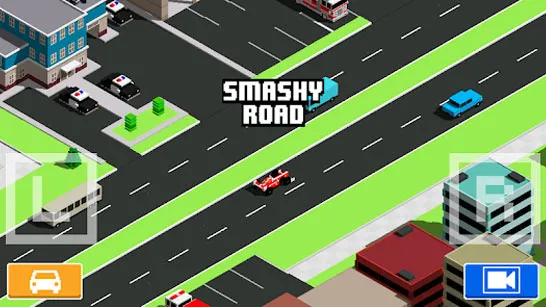
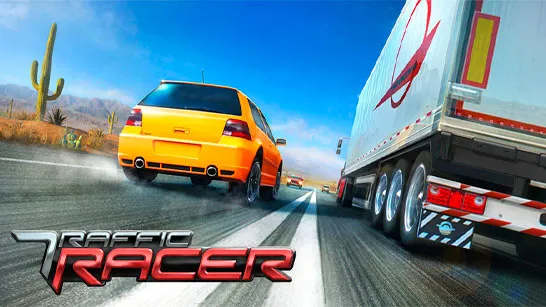

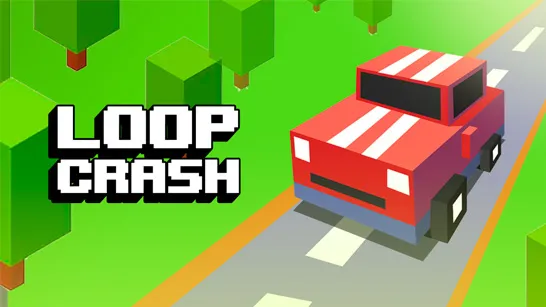
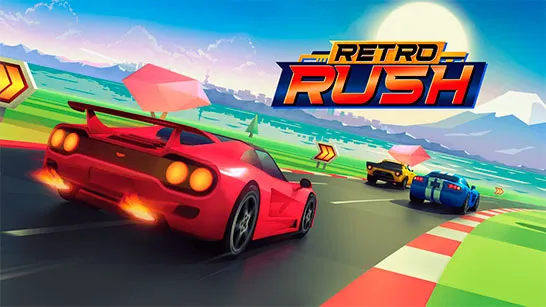

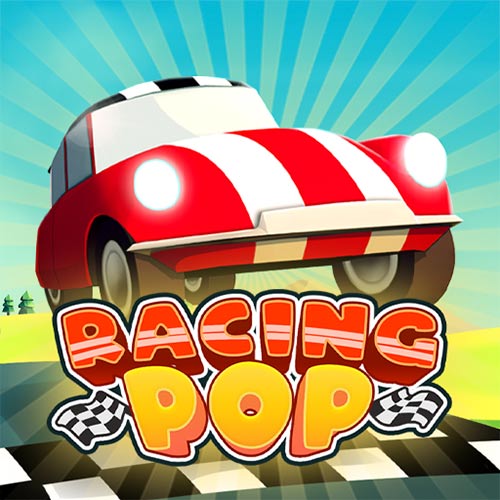
Racing Pop
Introduction to Racing Pop
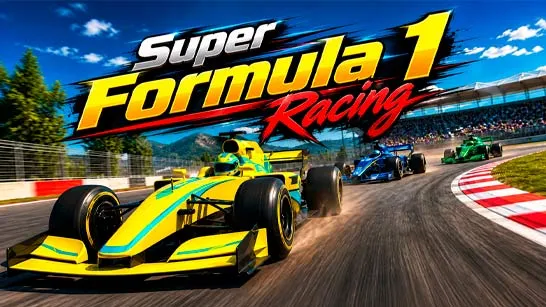
Racing Pop is an online 3D arcade racing game where your goal is to outpace rivals by mastering speed control and setting the fastest lap times. Instead of relying on constant full-throttle driving, success comes from timing, momentum, and clean cornering. Compact circuits twist through sweeping bends, tight hairpins, and narrow sections where one badly judged turn can cost several positions. The fun comes from shaving time off each lap, reading the road early, and finding a smoother racing line than the rivals around you. Once the basic rhythm clicks, each race becomes a test of control rather than pure speed.
Highlight Game Features
- Timing-Based Arcade Racing: Holding the throttle is easy; knowing when to release it is what separates a clean lap from a messy one.
- Compact Technical Circuits: Sweeping curves and sharp hairpins keep races short, focused, and demanding from start to finish.
- Unlockable Vehicles: Victories earn rewards that open new cars, giving you more options as the tracks become harder.
- Colorful Environments: Different visual settings add variety while introducing increasingly technical circuit layouts.
- AI Rivals and Leaderboard Competition: Beat computer-controlled opponents, improve your times, and climb the global rankings.
- Browser-Based Racing: Play Racing Pop as a free online game without downloading or installing additional software.
Gameplay Guide for Racing Pop
In Racing Pop, the fastest laps usually come from controlling speed before the corner, keeping the car stable through the turn, and accelerating cleanly on the exit.
Racing Line Gameplay Basics
A typical race begins with the car accelerating automatically while the control is held. Long straights are the safest places to build speed, but approaching a corner too aggressively often sends the car wide and destroys your momentum.
Release the throttle shortly before entering a bend, then let the car follow a tighter line through the corner. Smooth exits matter because they create a stronger run onto the next straight. Hairpins require earlier releases, while broad curves may only need a brief lift.
AI opponents add pressure, but chasing them too recklessly usually leads to slower lap times. Focus on clean driving first, then use better exits to gain positions naturally. Winning races earns rewards, unlocks more vehicles, and opens tougher circuits where corner timing becomes increasingly important.
One-Button Game Controls
PC Controls
- Hold Left Mouse Button/ Spacebar: Accelerate
- Release: Slow down before and through corners
Mobile Controls
- Press and hold the screen: Accelerate
- Release your finger: Reduce speed for turns
Driving Tips and Tricks
- Release the throttle before the corner instead of reacting halfway through it.
- Prioritize a smooth exit, since early acceleration saves more time afterward.
- Learn where each hairpin begins so you can slow down sooner.
- Test different cars on technical tracks to find a steadier handling style.
- Replay earlier circuits to improve lap times before tackling harder races.
Play Racing Pop Online for Free Now
Find the right rhythm between acceleration and control, then keep refining each corner until your lap times begin to drop. Racing Pop rewards calm timing far more than reckless speed.