Simple Swipe Game Controls
- Desktop: Click + Swipe: Move the paddle and hit the ball.
- Mobile: Tap + Swipe: Control the paddle and direct your shots.
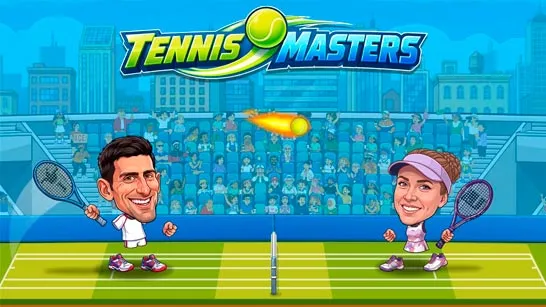


















Table Tennis Game
Introduction to Table Tennis Game
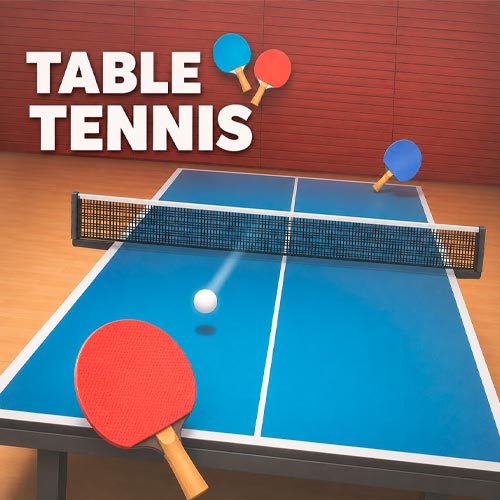
Table Tennis Game is a competitive table tennis sports game where you represent a country, face international opponents, and fight your way toward the No.1 position. Matches put the paddle directly under your control, so winning rallies comes down to reading the ball, reacting quickly, and placing accurate returns across the table. The World Tour format lets you choose from multiple national teams, including Japan, Canada, Iceland, China, Brazil, Germany, France, South Korea, the USA, and more, before facing a series of opponents. A visible match scoreboard keeps each point meaningful as you work toward victory and advance through the competition. Simple to control but increasingly demanding, the game turns classic ping pong into a focused international championship challenge.
Gameplay Key Features
- Multiple Table Tennis Modes – Switch between Arcade progression, traditional Classic play, Bug Hunt, and special challenges instead of repeating the same match format.
- Swipe-Based Paddle Control – Shots are controlled through simple gestures, putting timing, direction, and accuracy directly in your hands.
- Arcade Level Progression – Clear increasingly challenging stages and put your table tennis skills to the test.
- Creative Bug Hunt Challenges – Smash waves of bugs for a playful break from conventional ping pong matches.
- Gems, Paddles & Rewards – Successful matches earn gems that help expand your paddle collection and provide a reason to keep progressing.
- Online Friend Challenges – Take your skills beyond solo play and compete against friends online.
Gameplay Guide for Table Tennis Game
The basic idea is instantly familiar: return the ball and keep the rally alive - but each mode changes what you should focus on.
Table Tennis Gameplay Mechanics
Control the paddle by swiping toward the incoming ball. Good timing produces cleaner returns, while rushed movements can send a shot off target. As rallies develop, watch the ball's direction and position the paddle early instead of reacting at the last second.
Arcade Mode focuses on clearing levels, making it a natural starting point for learning the game's mechanics. Classic Mode shifts the focus toward scoring as high as possible. Bug Hunt changes the objective completely, challenging your precision as you smash bugs rather than simply exchanging shots with an opponent.
Simple Swipe Game Controls
- Desktop: Click + Swipe: Move the paddle and hit the ball.
- Mobile: Tap + Swipe: Control the paddle and direct your shots.
Tips for Accurate Returns
- Watch the ball, not just the paddle. Reading its incoming path gives you more time to prepare a return.
- Keep swipes controlled. Wild movements make accurate shots harder to place.
- Aim rather than simply returning. Directing shots away from your opponent creates tougher responses.
- Use Arcade Mode to sharpen your timing. Its level-based structure is useful for getting comfortable with increasingly difficult exchanges.
- Adjust your approach by mode. Bug Hunt rewards precision against targets, while Classic play demands consistent returns and longer rallies.
Master the swipe, control each return, and chase your best run in Table Tennis Game - then take those paddle skills online against a friend.