Farming Game Controls
PC
- WASD - Move
- Mouse - Rotate camera
- E - Interact with garden beds and objects
- Inventory Bar - Select seeds and tools
Mobile
- Joystick - Move
- Swipe - Control camera
- Tap buttons - Interact and manage inventory





















Grow a Garden for Brainrots
Introduction to Grow a Garden for Brainrots
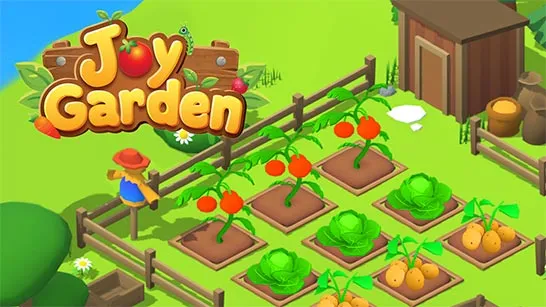
Grow a Garden for Brainrots is a quirky 3D farming and collection game built around steady upgrades, strange crops, and brainrot-style humor. Your main goal is to prepare garden beds, buy seeds, grow unusual plants, and sell each harvest for coins. Instead of focusing on realistic farming, the game leans into colorful blocky visuals, odd forest fruits, and an incremental progression loop that keeps revealing rarer discoveries. Income can be reinvested into stronger plots, better tools, and additional farming zones, so even a small garden gradually turns into a much larger operation.
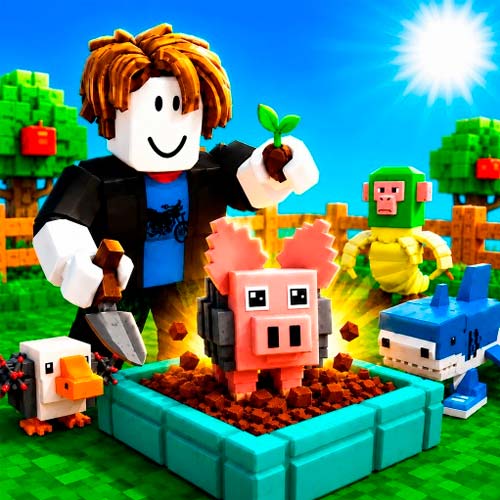
Key Farming and Progression Features
- Plant, Grow and Harvest - Turn seeds into valuable crops and earn coins from every harvest.
- Upgrade Garden Beds - Increase bed rarity to improve future harvests.
- Discover Rare Crops - Unlock stranger plants and exclusive fruits as you expand.
- Grow Your Farm - Open new garden zones to increase production.
- Idle Progression Loop - Reinvest profits to farm more efficiently.
- Simple Controls - Easy to learn for both desktop and mobile players.
- Brainrot Humor - Colorful visuals and quirky designs give the farm its unique personality.
Gameplay Guide for Grow a Garden for Brainrots
Growing your farm is all about balancing expansion with smart upgrades. A stronger garden earns more money, making each new unlock easier to reach.
Core Garden Management and Crop Growth Gameplay
Start by preparing a garden bed, planting seeds, and waiting for crops to grow. Harvest everything you can, then spend coins on better beds, new seeds, or additional farming zones. Upgrading existing plots first usually produces faster income than expanding too early, helping your farm grow much more efficiently.
Farming Game Controls
PC
- WASD - Move
- Mouse - Rotate camera
- E - Interact with garden beds and objects
- Inventory Bar - Select seeds and tools
Mobile
- Joystick - Move
- Swipe - Control camera
- Tap buttons - Interact and manage inventory
Tips for Smart Farming
- Upgrade active beds before buying more land.
- Keep every garden plot producing crops.
- Spend coins on upgrades with the best long-term value.
- Unlock new zones only after building steady income.
- Save gems for valuable bed rarity upgrades.
Build income from the plots you already own, then use those profits to unlock rarer beds, stranger crops, and larger farming zones in Grow a Garden for Brainrots.