
Game Controls
- WASD / Arrow Keys - Move
- Right Mouse Button (hold & drag) - Rotate camera
- Spacebar - Jump
- Left Mouse Button - Attack
- Q - Drop Brainrot
- E - Pick up Brainrot
- R - Return to base
- Z - Rebirth
- Tab - Slow mode
- P - Settings
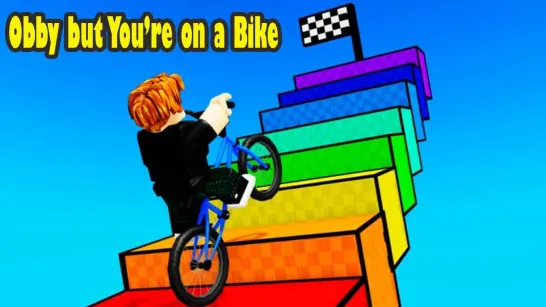















Run and Jump for Brainrot
What Is Run and Jump for Brainrot?
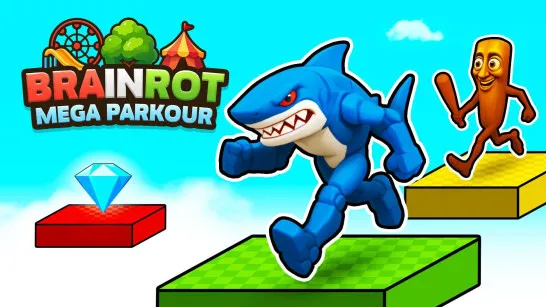
Run and Jump for Brainrot is a fast-paced parkour platformer where you race across floating platforms, collect quirky Brainrot memes, and bring them back to your base to grow stronger. The game blends speed, jumping mechanics, and collection gameplay into one chaotic but highly addictive loop. Your mission is simple: run, jump, grab Brainrots, and survive long enough to return them safely. But with increasing difficulty, tighter jumps, and constant pressure, every run quickly turns into a test of reflexes and decision-making.
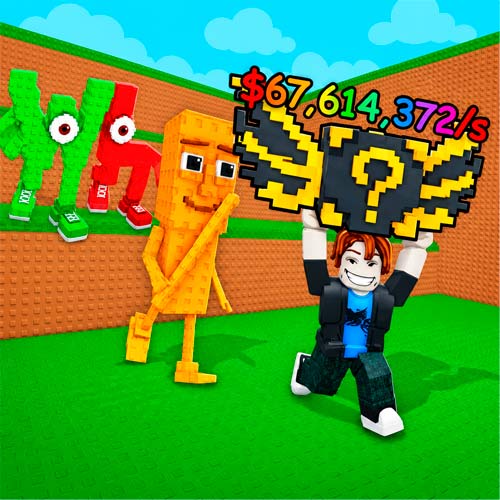
How to Play Run and Jump for Brainrot
The gameplay revolves around movement and risk management. You start by navigating through platform-based levels filled with scattered Brainrots. Jump from platform to platform, collect as many as you can, and return to your base to convert them into progress and upgrades. The further you go, the harder it gets. Platforms become trickier, distances increase, and mistakes become more punishing.
Core Gameplay
- Run and jump across platforms
- Collect Brainrot memes along the way
- Carry them back to your base
- Earn rewards and upgrade your abilities
- Repeat with higher difficulty and better stats
Timing your jumps and knowing when to retreat are key to success.
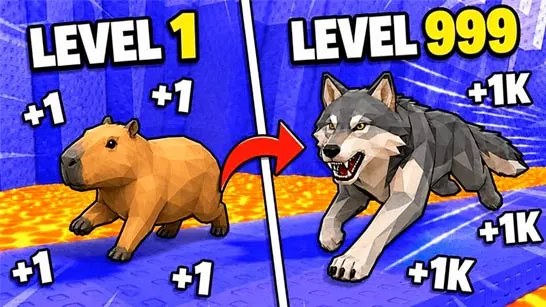
Level Up and Grow Stronger
Progression plays a major role in keeping the game engaging.
Each Brainrot you deliver helps you:
- Increase your jump height to reach new areas
- Improve movement speed for faster runs
- Expand your base and unlock new features
- Access harder zones with better rewards
The more you upgrade, the more freedom you gain to explore challenging platforms and collect rare Brainrots.
Game Controls
The controls are responsive and easy to learn, but mastering them takes practice:
- WASD / Arrow Keys - Move
- Right Mouse Button (hold & drag) - Rotate camera
- Spacebar - Jump
- Left Mouse Button - Attack
- Q - Drop Brainrot
- E - Pick up Brainrot
- R - Return to base
- Z - Rebirth
- Tab - Slow mode
- P - Settings
These controls give you full control over movement, collection, and quick decision-making during runs.
Helpful Tips to Improve Your Runs
Want to go further and collect more Brainrots? These tips will help:
- Don’t carry too much at once: Returning safely is better than losing everything.
- Upgrade jump early: Higher jumps open new routes and shortcuts.
- Use slow mode wisely: It helps with tricky platform sections.
- Plan your path before jumping: Rushing blindly often leads to mistakes.
- Rebirth when progress slows: It resets your run but boosts long-term growth.
Run and Jump for Brainrot stands out as its mix of fast movement, meme humor, and satisfying progression. Every run feels slightly different, and every upgrade makes a noticeable impact. It’s easy to pick up, challenging to master, and surprisingly rewarding once you start optimizing your routes and collecting rare Brainrots.
Start playing Run and Jump for Brainrot now and see how far you can run, how high you can jump, and how many Brainrots you can bring home! If you enjoy Run and Jump for Brainrot, try Rob a Brainrot for a more intense survival run.