Geometry Vibes Controls Guide
- Hold Left Mouse Click or Up Arrow to fly upward
- Release to dive downward
- Avoid all obstacles and traps
- In multiplayer modes, players use Up Arrow, H, and L (Space and Mouse Click can also be used)






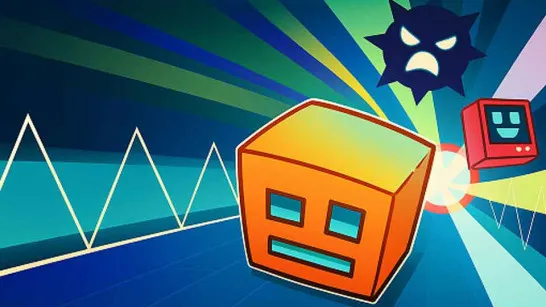

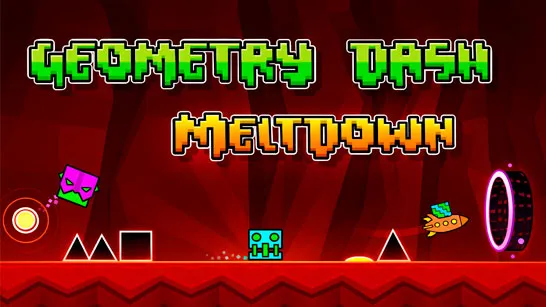


Geometry Vibes
About Geometry Vibes
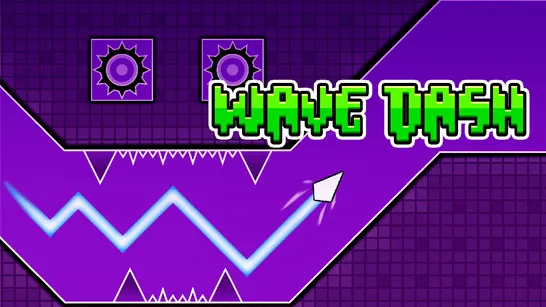
Geometry Vibes is a reaction-based arcade game that challenges your timing, focus, and rhythm in a fast-moving geometric world. You are driving a sharp arrow which automatically is moving forward and the waves of obstacles, traps and spikes come to you. The objective is straightforward, just to remain on course and live as long as possible. Removing that is where the actual challenge lies, however.
Geometry Vibes has its clean graphics, fast music, and a one-button control system, which brings a smooth yet intense experience that makes the players feel like playing it just one more time.
How to Play
The gameplay is simple and difficult to master. You have an arrow that is always running forward and you just have to steer it up and down when the right time comes. And being in control, the arrow lifts up; and being out, the arrow goes down. Any contact with an obstacle automatically stops the running. As you advance, the speed gets higher and the patterns are more complicated, requiring more acute reactions and predictions. The game does not encourage blind haste but wise timing.
Game Modes Explained
Geometry Vibes offers three distinct game modes, each designed for a different kind of challenge:
- Classic Mode – Features 10 structured levels that gradually increase in difficulty. By the later stages, focus and patience are pushed to the limit.
- Endless Mode – No levels, no finish line. Your objective is to go as far as possible while the game continuously speeds up. Perfect for chasing high scores.
- Race Mode – A local multiplayer mode for 2, 3, or 4 players using the same keyboard. Compete with friends to see who survives the longest.
Geometry Vibes Controls Guide
- Hold Left Mouse Click or Up Arrow to fly upward
- Release to dive downward
- Avoid all obstacles and traps
- In multiplayer modes, players use Up Arrow, H, and L (Space and Mouse Click can also be used)
Similar Reaction-Based Arcade Games
If you enjoy the automatic forward movement, wave-like obstacles, and pure reaction challenges of Geometry Vibes, you might also love:
- Geometry Dash Lite: Dash through music-synced obstacle courses, jumping and dodging with perfect timing in a fast-paced reflex test.
- Geometry Dash: The full version with even more iconic levels, intense music, and challenging geometry-based platforming.
- Slope 2: Roll at breakneck speed down neon slopes, dodging barriers with razor-sharp reflexes and momentum.
- Run 3: Leap across floating platforms in a sci-fi void, mastering gravity and timing for endless survival.
- Tube Fall: Freefall through rotating neon tunnels, swiping left and right to dodge traps at increasing speeds.
These games deliver the same reaction-based challenges, automatic forward motion, and addictive survival gameplay as Geometry Vibes!
Geometry Vibes is unique because of its combination of rhythm, reflexes and competitive fun in a clean arcade game. The combination of easy controls, the increasing difficulty and the mayhem in the multiplayer make it just as enjoyable to play alone or with friends. Geometry Vibes delivers a sharp, satisfying challenge every time you press play.