
Obby: Dig Brainrots Game Controls
- W, A, S, D - Move
- Left Mouse Button - Digging
- Right Mouse Button - Zoom
- Space - Jump
- 1 / 2 - Change tools
- ESC - Quit the game





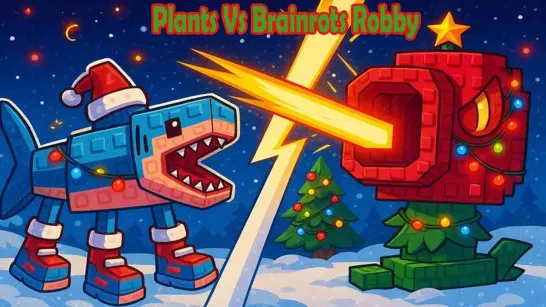
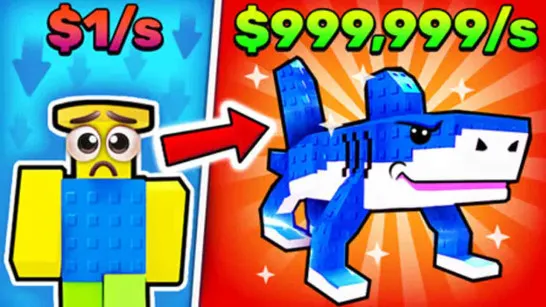
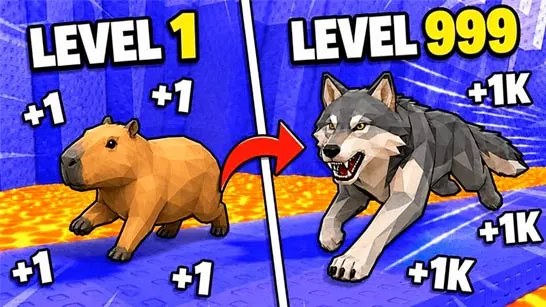
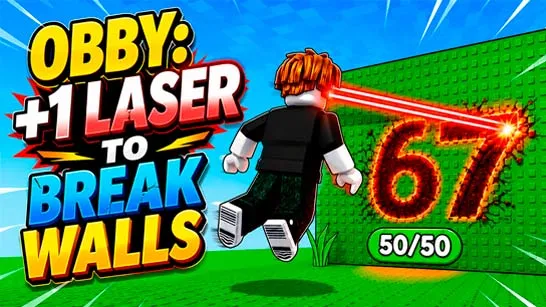





Obby: Dig Brainrots
What is Obby: Dig Brainrots?
Obby: Dig Brainrots is a digging adventure game with colorful Roblox-inspired graphics, collectible characters, and upgrade-based progression. Your goal is to mine underground, pick up Brainrots and other finds, sell what you collect, and use your earnings to improve your setup.
The game also includes familiar progression elements such as a shop, a seller, character selection, tool switching, and passive income from Brainrots. That means it is not just about digging randomly. It is about digging smart, collecting efficiently, and upgrading at the right time.
Step-by-step Instruction to Play
Here is the simplest way to get started:
Step 1: Choose your character
When the game begins, select your character and press Apply. This gets you into your base area and prepares you for your first digging run.
Step 2: Learn the basic controls
Move toward the digging area using WASD. Use your mouse to control actions like digging and zooming, and get comfortable with changing tools before heading underground.
Step 3: Break blocks
Walk to the marked area and start mining with your pickaxe. Each block you break helps you move deeper and get closer to hidden rewards.
Step 4: Pick up what you find
When you uncover an item or Brainrot, collect it. The game clearly guides you with prompts like “Pick up the egg!”, so keep an eye on what appears after digging.
Step 5: Sell and upgrade
Bring your items to the Seller to earn currency. Then visit the Shop to improve your progress. Better upgrades help you dig faster and grow earnings more efficiently.
Step 6: Build passive income
As you collect more Brainrots, they help generate income over time. This is one of the most important parts of progression, because passive earnings make future upgrades easier to afford.
Step 7: Repeat and dig deeper
Keep mining, collecting, selling, and upgrading. The deeper layers usually lead to more valuable rewards, so each run feels more exciting than the last.
Obby: Dig Brainrots Game Controls
Based on the in-game control screen:
- W, A, S, D - Move
- Left Mouse Button - Digging
- Right Mouse Button - Zoom
- Space - Jump
- 1 / 2 - Change tools
- ESC - Quit the game
These controls are simple, which makes the game easy for new players to pick up quickly.
Strategy to Progress Faster
A good early strategy is to focus on the loop of dig, collect, sell, upgrade instead of wandering around too much. Sell often in the beginning so you can improve your mining efficiency. Once your Brainrot collection grows, passive income starts doing more of the heavy lifting.
It also helps to pay attention to prompts and progression markers. The game points you toward the next task, so following those steps makes the early game much smoother.
Common Things Players Talk About
Players often share screenshots or clips when they find rare or legendary Brainrots. Discussions frequently revolve around how deep players had to dig before finding better collectibles. Many players compare their collections and ask which Brainrots are the most valuable.
Obby: Dig Brainrots is a great fit for players who like casual browser games, mining games, collectible progression, and Roblox-style adventures. Ready to see how deep you can go? Start digging, uncover rare Brainrots, and build the ultimate mining empire in Obby Dig Brainrots - play now and start your treasure hunt!