Block Craft Game Controls
Basic Movement and Actions
- W – Move forward
- A – Move left
- S – Move backward
- D – Move right
- Spacebar – Jump
- Shift (LShift or RShift) – Sneak (crouch)
- E – Open inventory
- Esc – Pause the game / Open menu
Building & Interaction
- Left Click – Break blocks or attack
- Right Click – Use items, place blocks, or interact
- Number keys (1–9) – Select items from the hotbar
- Q – Drop the selected item
- F5 – Change camera view (first person / third person)
Other Important Controls
- F3 – Show debug screen (coordinates, FPS, system info)
- F1 – Hide/show HUD (heads-up display)
- T – Open chat window / Enter commands

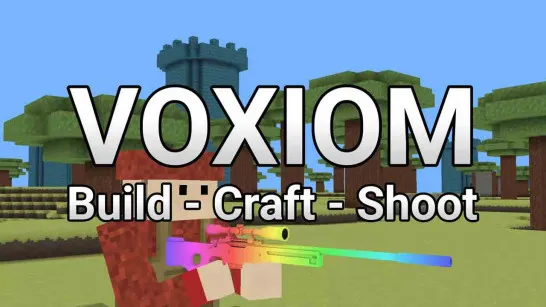






Block Craft
What Is Block Craft?
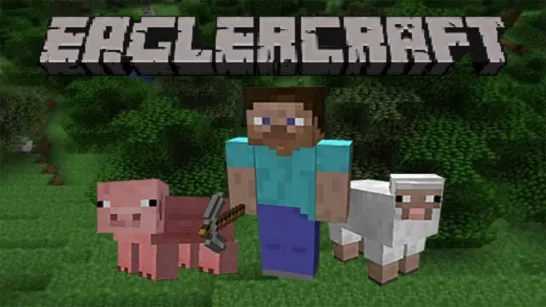
Block Craft is a sandbox game where players explore a procedurally generated world made up of blocks. Every block can be mined, placed, or crafted into something else. From dirt and wood to rare materials like diamond or netherite, the possibilities are virtually endless.
There are multiple game modes that appeal to different playstyles:
- Survival Mode: Manage health, hunger, and resources while fighting off monsters and crafting tools
- Creative Mode: Build freely with unlimited resources and no health constraints
- Adventure Mode: Designed for player-created maps with custom rules and limited interactions
- Hardcore Mode: A high-stakes version of Survival with permadeath
- Spectator Mode: Observe the world without interacting or being seen
Block Craft is more than just a game – it’s a global phenomenon. With its blocky visuals and limitless gameplay possibilities,Block Craft delivers a deeply immersive sandbox and adventure experience that has captivated players of all ages. Whether you’re crafting a homestead, setting off on an epic adventure, or simply admiring the procedural beauty of a Block Craft world, the game adapts to you.
Gameplay Features That Make Block CraftUnique
What makes Block Craft so enduring is its blend of simplicity and depth. Here are just a few of the core features that keep players coming back:
- Infinite Worlds: Each world is procedurally generated, offering new terrain, structures, and secrets every time
- Crafting System: Use collected materials to craft everything from pickaxes and food to armor and complex redstone contraptions
- Building Mechanics: Every structure in Block Craft is built block-by-block, allowing for stunning architectural creativity
- Exploration: Discover villages, temples, caves, strongholds, and even alternate dimensions like the Nether and End
- Modding & Servers: Extend your game with thousands of community-made mods, custom maps, and multiplayer servers
This endless potential has helped Block Craft remain the top-selling video game of all time.
Block Craft Game Controls
Basic Movement and Actions
- W – Move forward
- A – Move left
- S – Move backward
- D – Move right
- Spacebar – Jump
- Shift (LShift or RShift) – Sneak (crouch)
- E – Open inventory
- Esc – Pause the game / Open menu
Building & Interaction
- Left Click – Break blocks or attack
- Right Click – Use items, place blocks, or interact
- Number keys (1–9) – Select items from the hotbar
- Q – Drop the selected item
- F5 – Change camera view (first person / third person)
Other Important Controls
- F3 – Show debug screen (coordinates, FPS, system info)
- F1 – Hide/show HUD (heads-up display)
- T – Open chat window / Enter commands
Crafting and Survival
Crafting is the heart of Block Craft. Players gather resources like wood, stone, iron, and diamond, then use these to build tools, weapons, and shelter. Crafting recipes range from simple (a wooden pickaxe) to complex (beacons, enchantment tables, or automated redstone farms).
In Survival Mode, managing hunger, fighting mobs like zombies and skeletons, and keeping your inventory organized adds layers of complexity. Nights can be dangerous, requiring you to build safe shelters or light up areas with torches. The joy of crafting and creating a functional base, exploring underground cave systems, and slowly progressing through gear upgrades is part of Block Craft’s lasting charm.
Block Craft as a Simulation Tool
Block Craft isn’t just a game – it’s also a powerful simulation tool. Many educators use Block Craft: Education Edition to teach subjects like math, physics, architecture, and history. With redstone circuits simulating real-world logic gates and communities creating full-scale models of cities, Minecraft fosters critical thinking and collaboration. Players also simulate real economies on multiplayer servers or recreate functioning ecosystems and civilizations. It’s a unique blend of entertainment and education, giving players the tools to simulate nearly anything they imagine.
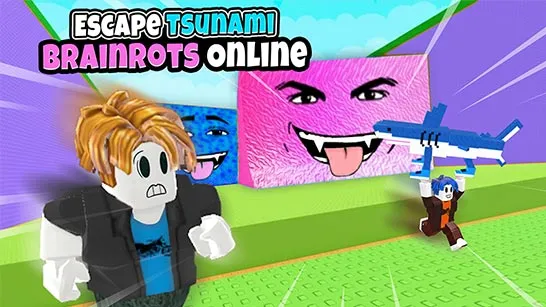
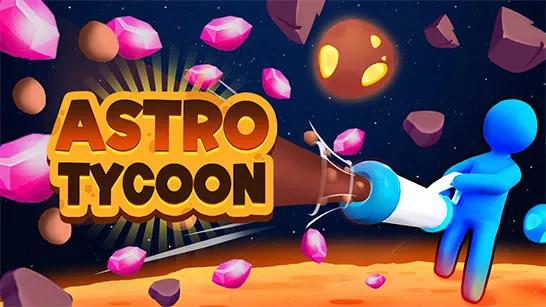
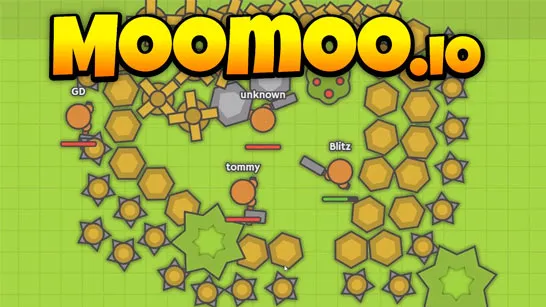
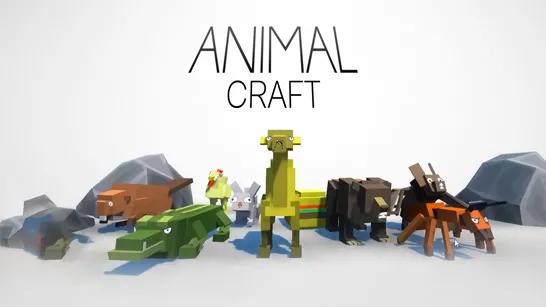
Best Similar Sandbox & Building Games
These games expand on core sandbox and adventure mechanics, offering new twists while embracing the spirit of Block Craft’s open-ended creativity. In conclusion, Block Craft is a rare game that empowers players to write their own stories, build their own worlds, and learn by doing. Its blocky art style may seem simple, but the depth of its crafting, exploration, and survival systems continues to inspire generations of gamers, educators, and creators.