Game Controls
- WASD - Move
- Spacebar - Jump
- Shift - Sprint
- Alt - Crouch
- Left Click - Mine / Attack
- Right Click - Place blocks
- E - Open inventory
- Double-tap Spacebar - Fly in Creative Mode
- Enter - Open chat
- P - Pause







Miniblox
Introduction to Miniblox Game
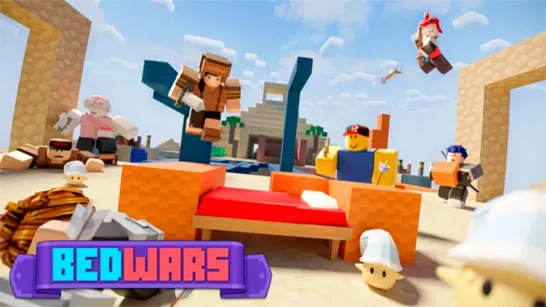
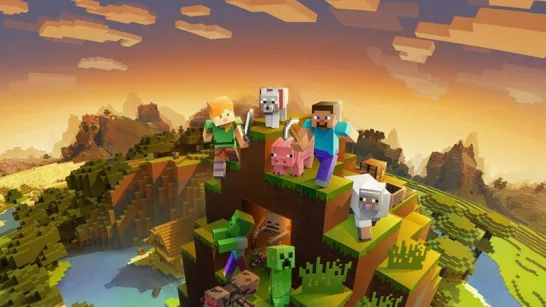
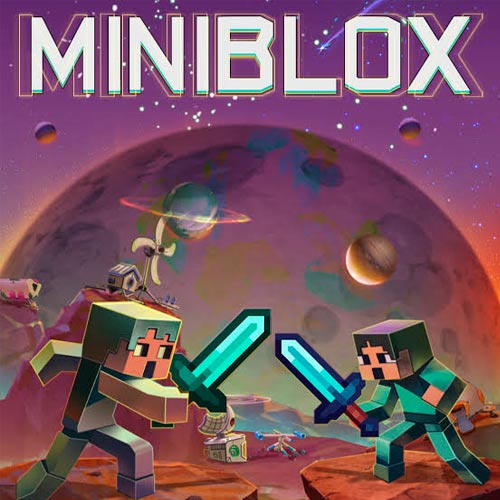
Miniblox is a multiplayer voxel sandbox game where you can gather resources, build block-based worlds, survive, or compete against other players in online minigames. Its biggest strength is variety: Survival turns resource gathering and crafting into progression, while Creative removes those restrictions and gives you freedom to build. Competitive modes such as Skywars, Eggwars, and KitPvP shift the focus toward PvP, while other activities test movement and parkour skills. Custom worlds, seeds, private rooms, friends, and skins add more ways to shape how you play. Instead of locking you into one objective, Miniblox lets you decide whether the next session is about building, surviving, exploring, or competing.
Game Highlight Features
- Voxel World Building - Break and place blocks to reshape terrain and construct your own structures.
- Multiple PvP Minigames - Compete in KitPvP, Skywars, Eggwars, Spleef, Bridge Duels, Classic PvP, and more.
- Custom World Creation - Create and load worlds with different terrain characteristics and custom generation seeds.
- Online Multiplayer - Browse active games, meet other players, add friends, or create custom rooms for your own group.
- Coins & Skins - Earn coins through gameplay and daily login bonuses, then spend them on new character skins.
Gameplay Guide for Miniblox
There is no single route through Miniblox. What you do after spawning depends heavily on the mode you choose, with sandbox worlds and competitive minigames demanding very different strategies.
Core Game Mission
Miniblox changes its objective depending on the mode you choose. Survival focuses on gathering resources, mining, crafting, building, and staying alive, while Creative gives you freedom to build and explore without the same survival pressure. For competitive play, a range of multiplayer minigames shifts the focus toward PvP, teamwork, movement, and mode-specific objectives.
Game Modes
- Survival - Gather resources, mine, craft, build, and survive.
- Creative - Build freely and fly around the world while creating.
- KitPvP - Enter direct player-versus-player combat.
- Skywars - Compete against other players in a PvP challenge.
- Eggwars Doubles / Quads - Team-based competitive modes.
- Spleef - Compete in a specialized block-based minigame.
- Bridge Duels - Face another player in competitive duels.
- One in the Quiver - A separate combat-focused challenge.
- Classic PvP - Straightforward player-versus-player fighting.
Game Controls
- WASD - Move
- Spacebar - Jump
- Shift - Sprint
- Alt - Crouch
- Left Click - Mine / Attack
- Right Click - Place blocks
- E - Open inventory
- Double-tap Spacebar - Fly in Creative Mode
- Enter - Open chat
- P - Pause
Tips for Miniblox
- Pick the right mode - Choose Survival for progression or Creative for free building.
- Master block controls - Left Click mines or attacks; Right Click places blocks.
- Use Creative flight - Double-tap Space to build large structures more easily.
- Browse active games - Join populated worlds for faster multiplayer action.
- Adapt to each minigame - Change your strategy based on its PvP objective.
Build a world from blocks, test your survival skills, or leave the sandbox behind for competitive PvP. Miniblox gives you plenty of ways to decide what happens next.