
Simple Game Controls
Typical controls include:
- WASD - Move
- Space - Jump / move upward
- C - Move downward
- Double Space - Fly
- Left Mouse Button - Break blocks
- Right Mouse Button - Place or interact
- I - Open inventory
- Esc - Pause










Cube World
How to Play Cube World
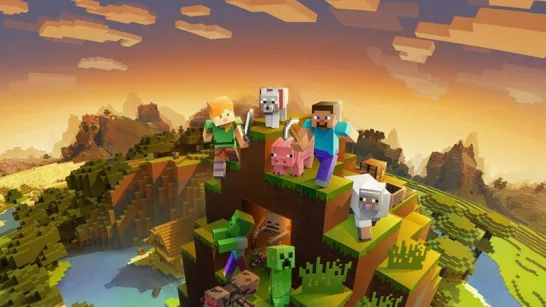
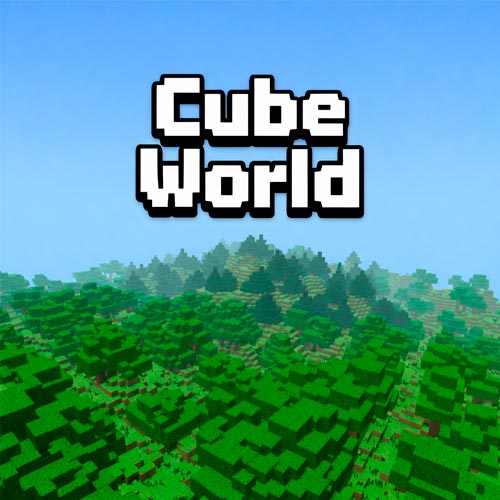
Cube World is a voxel-based action RPG and exploration building game where the main goal is to travel across a procedurally generated fantasy world, gather resources, and shape your surroundings using cube-style terrain blocks. Instead of following a strict linear storyline, the game encourages free exploration, discovery, and experimentation inside a colorful sandbox environment made entirely of cubes. With its casual pacing and open-ended gameplay structure, Cube World appeals to players who enjoy creative freedom as much as adventure.
How to Play Cube World
In Cube World, instead of following a fixed mission path, the game encourages you to experiment, travel, and build at your own pace.
To get started effectively:
- Move through forests, hills, and open areas to discover useful terrain blocks
- Break cubes using the mouse to collect materials for later use
- Place blocks strategically to create paths, platforms, or shortcuts
- Use jump and flight controls to navigate uneven landscapes
- Open your inventory regularly to switch between available materials
Because the world is fully made of cubes, nearly every surface can become part of your route. Smart block placement often makes exploration faster and more enjoyable than simply walking around obstacles.
Simple Game Controls
Cube World uses straightforward keyboard and mouse controls designed for movement and terrain interaction.
Typical controls include:
- WASD - Move
- Space - Jump / move upward
- C - Move downward
- Double Space - Fly
- Left Mouse Button - Break blocks
- Right Mouse Button - Place or interact
- I - Open inventory
- Esc - Pause
Why Players Enjoy Cube World
Many players appreciate Cube World because it delivers a calm exploration experience without complicated progression systems. The voxel art style also keeps the world readable and visually distinctive while encouraging experimentation.
Players often return to Cube World for:
- procedurally generated environments
- relaxing sandbox exploration
- flexible building mechanics
- lightweight RPG-style movement freedom
- easy-to-learn controls
Cube World is ideal for players who enjoy casual sandbox exploration, building mechanics, and procedurally generated fantasy environments. Start exploring Cube World now and shape your own path through a colorful voxel fantasy landscape filled with endless terrain to discover and build your way across!