
Game Controls
- W / A / S / D – Move
- Mouse Click – Dig, attack, or place blocks
- 0–9 – Select tools or items
- E – Open / close inventory
- Q – Quick select torch
- R – Reset character position
- C – Center screen on mouse


Terraria
About Terraria
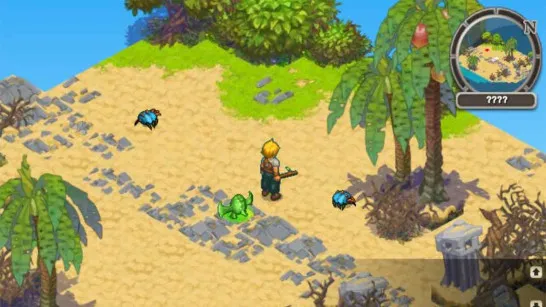
Terraria is a legendary 2D sandbox adventure game that blends exploration, building, crafting, and combat into one endlessly replayable experience. Every world is procedurally generated, meaning no two journeys are ever the same. From peaceful forests and vast deserts to dangerous jungles, oceans, and deep underground caverns, Terraria constantly invites you to dig deeper and discover more. Whether you enjoy creative construction, intense boss battles, or free-form exploration, Terraria offers a universe where your curiosity truly shapes the adventure.
Gameplay Mechanics
Terraria centers on free-form exploration, resource gathering, and progression. The players explore procedurally generated worlds, excavating them underground and traversing the surface biomes in search of resources, treasure, and enemies. Resources are utilized in order to make tools, weapons, armor, utility items which allow one to explore further and fight harder. Preparation is the power of progress, more and more difficult locations and more powerful bosses, which evolve the playing world.
Key Game Features
- The procedurally generated worlds have unique maps each time they are played.
- Several biomes such as forests, deserts, jungles, oceans, as well as underground.
- Extensive tool, weaponry, armor, potions and structure crafting.
- Creative freedom of building, out of simple shelters to intricate bases.
- Boss battles that require difficult challenges and advancement.
- Sheet metal play styles which favor builders, explorers, and combat players.
Game Controls
Terraria uses simple, intuitive controls that make exploration and building feel natural:
- W / A / S / D – Move
- Mouse Click – Dig, attack, or place blocks
- 0–9 – Select tools or items
- E – Open / close inventory
- Q – Quick select torch
- R – Reset character position
- C – Center screen on mouse
These controls allow smooth movement, precise building, and fast combat reactions.
Why Terraria Continues to Stand Out
Terraria remains popular because of its depth and freedom. Every decision where to dig, what to craft, how to fight shapes your experience. The timeless quality of the game can be attributed to its pixel-art design, abundance of mechanics, and the game being a place where you can always discover something new. Infinite worlds, significance in development, and a just regard of creativity and challenge have made Terraria a favorite game with sandbox and adventure game players.
Best Similar Sandbox & Adventure Games
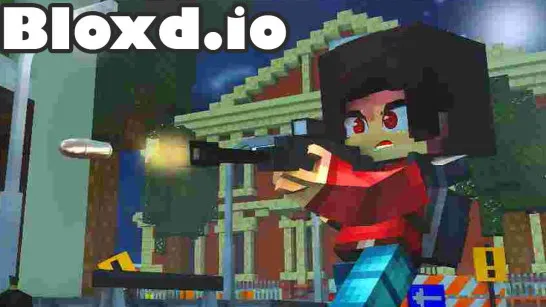
- Bloxd io: Minecraft-style minigames — build, battle, and explore in fast-paced multiplayer worlds!
- Voxiom: Voxel battle royale — build forts, loot gear, and fight for survival!
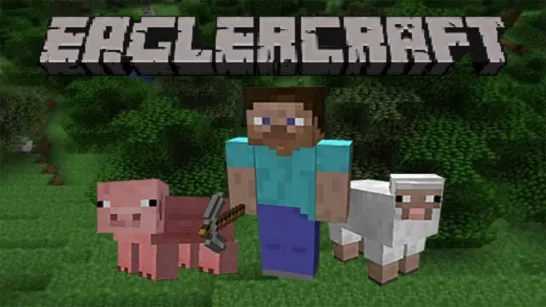
- Eaglercraft: Classic Minecraft experience — fully playable in-browser with survival and creative modes!
- Infinite Craft: Endless element combination — mix and discover thousands of unique creations!
- Little Alchemy: Simple yet addictive mixing game — combine elements to create new discoveries!
- Grow A Garden: Peaceful farming and building — plant, harvest, and expand your own garden world!
- Melon Sandbox: Physics-based sandbox — create chaos with ragdolls, weapons, and destruction!