Game Controls
- W - Drive forward
- A / D - Steer left / right
- S - Reverse
- Q / E - Left / right turn signals
- Z - Emergency signals
- L - Lights
- C - Change camera view












Extreme Car Driving Simulator
Introduction to Extreme Car Driving Simulator
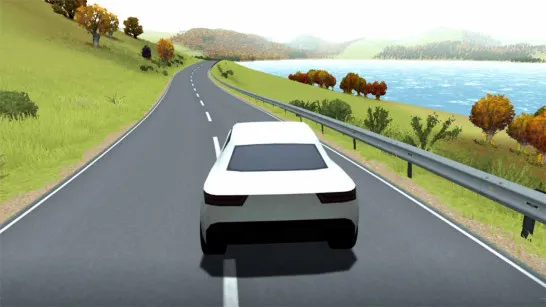
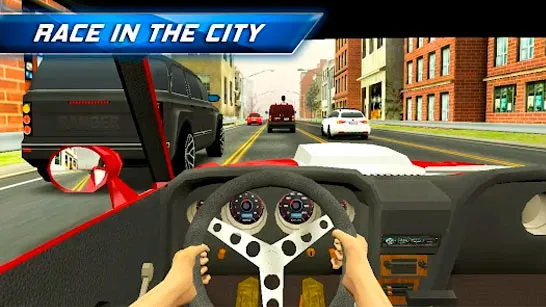
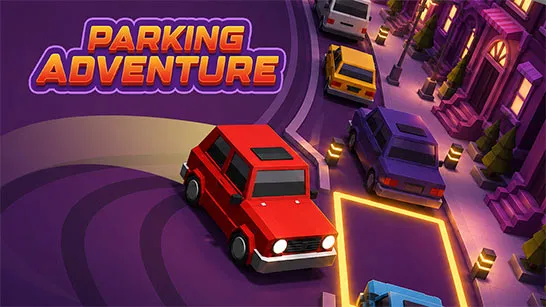
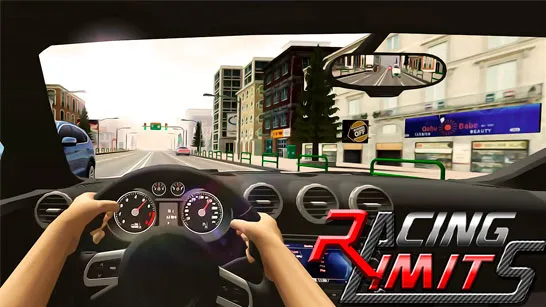
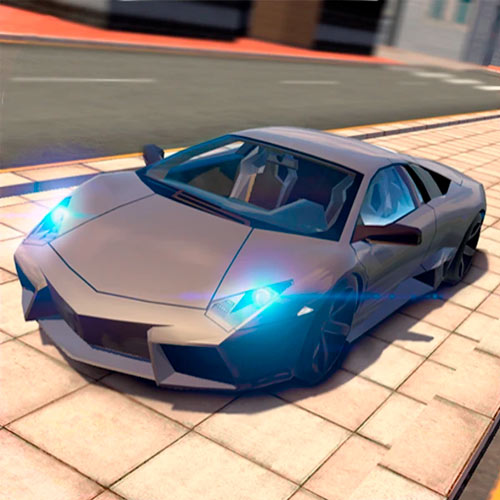
Extreme Car Driving Simulator is a 3D open-world driving simulator built around the freedom to get behind the wheel and explore a city at your own pace. It puts you onto streets and parking areas where driving itself becomes the challenge, from simply reaching a destination to controlling the car cleanly through traffic. A radar helps with navigation, while camera views, lights, turn signals, and emergency signals add a more hands-on car simulator feel. The physics-based handling also leaves room for faster driving, drifting, and less-than-perfect turns when you feel like pushing the vehicle harder. As a free online browser game, it works equally well for focused driving missions or simply enjoying some time behind the wheel.
Highlight Features
- 3D driving simulation: Control steering, speed, reversing, and vehicle handling yourself.
- Objective-based levels: Follow mission instructions and drive toward designated finish points.
- Radar navigation: Use the minimap to find your destination and plan a route.
- Driving functions: Switch cameras and use lights, turn signals, or emergency signals.
- Different cars: Choose a vehicle before taking to the road.
- Open city driving: Explore streets and parking areas beyond traditional racing circuits.
Gameplay Guide for Extreme Car Driving Simulator
Extreme Car Driving Simulator mixes free driving with objective-based challenges, putting navigation and vehicle control ahead of pure racing speed.
Driving Gameplay Mechanics
Choose your car, check the level objective, and use the radar to navigate toward the finish point. The city gives you plenty of room to drive, but parked vehicles, corners, and tighter spaces make reckless acceleration risky.
Beyond basic steering, camera views, lights, and signals add extra simulator detail. Keep your speed under control, watch the minimap, and choose a clean route to complete each drive efficiently.
Game Controls
- W - Drive forward
- A / D - Steer left / right
- S - Reverse
- Q / E - Left / right turn signals
- Z - Emergency signals
- L - Lights
- C - Change camera view
Tips for Better Driving
- Follow the radar: Use the minimap to plan your direction instead of driving around blindly.
- Brake before tight turns: Carrying too much speed into a corner makes precise steering harder.
- Use the camera strategically: Switch views when the current angle makes parking or navigation difficult.
- Make small steering corrections: Smooth inputs work better than constantly swinging from left to right.
- Learn the road layout: Remembering intersections and open routes can make later drives much quicker.
Take the wheel in Extreme Car Driving Simulator, follow the radar, master the car's handling, and see how cleanly you can reach each destination.