Game Controls
PC Controls
- Left Mouse Button: Select characters, items, clothing, furniture, and other interactive objects.
- Click and Drag: Move characters or reposition objects around the scene.
- Drag and Drop: Place clothing, furniture, props, and other items where needed.
Mobile Controls
- Tap: Select characters, locations, and interactive items.
- Tap and Drag: Move characters and objects.
- Drag and Drop: Dress avatars or arrange items around a room.















Avatar World
Introduction to Avatar World
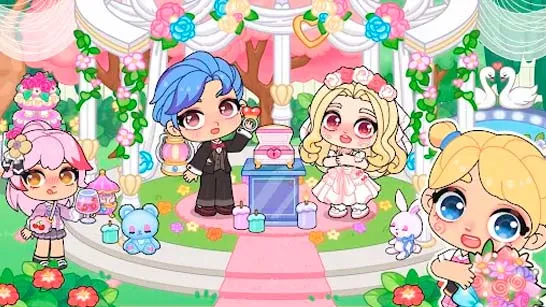
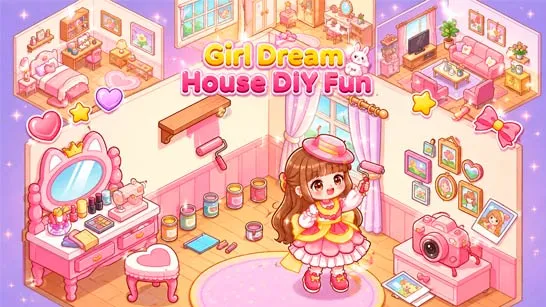
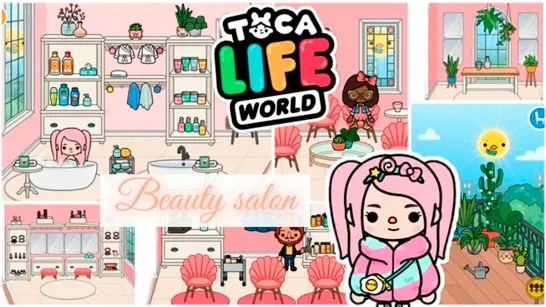
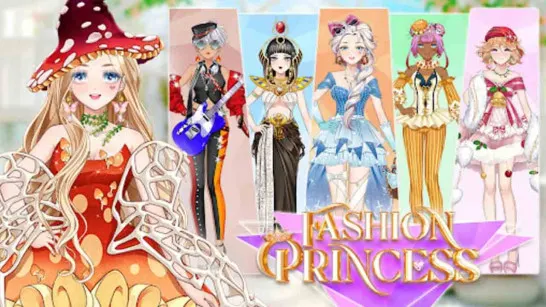
Avatar World is a colorful life simulation and role-playing game built around creativity rather than winning or losing. Create your own avatars, customize their appearance, choose outfits and hairstyles, then take them into an interactive world filled with homes, shops, characters, pets, and everyday objects. Much of the fun comes from deciding what happens next: decorate a room, change someone's style, explore a new location, or use characters and props to create your own stories. This open-ended sandbox gameplay gives you plenty of freedom to experiment and roleplay at your own pace. That mix of character customization, home design, exploration, and storytelling makes Avatar World feel like a digital dollhouse where the cartoon world becomes whatever you want to make of it.

Key Features of Avatar World
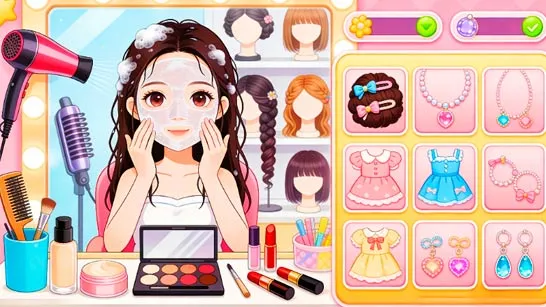
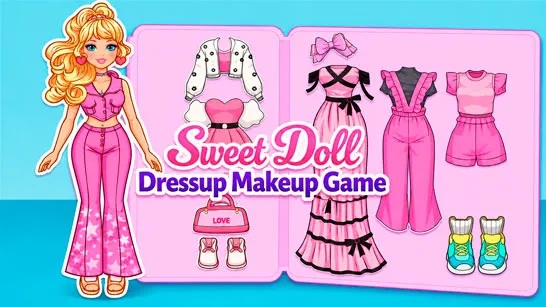
- Avatar Customization: Create characters with different outfits, hairstyles, and accessories.
- Home Decoration: Design rooms with furniture and decorative items.
- Interactive World: Explore different locations, characters, objects, and hidden details.
- Creative Roleplay: Use characters and props to create your own stories.
Pets: Add and customize pets for your roleplay scenes.
Gameplay Guide for Avatar World
Avatar World is all about creating, customizing, and roleplaying. There is no fixed path to follow, so you can freely explore locations, interact with objects, decorate spaces, and make your own stories.
Core Gameplay
- Create and Customize Your World: Design avatars with different outfits, hairstyles, and accessories, then use them to create your own roleplay scenes. Move characters and objects around to experiment with different interactions.
- Explore and Decorate: Visit different locations, discover interactive items and hidden details, or spend time designing your home. Arrange furniture and decorations to create rooms that match your characters and stories.
Game Controls
PC Controls
- Left Mouse Button: Select characters, items, clothing, furniture, and other interactive objects.
- Click and Drag: Move characters or reposition objects around the scene.
- Drag and Drop: Place clothing, furniture, props, and other items where needed.
Mobile Controls
- Tap: Select characters, locations, and interactive items.
- Tap and Drag: Move characters and objects.
- Drag and Drop: Dress avatars or arrange items around a room.
Tips for Creative Play
- Explore Everywhere: Check different locations for hidden items and interactions.
- Try Different Objects: Move and combine props to discover what they can do.
- Create Themed Rooms: Design spaces around a specific purpose or style.
- Mix Up Your Avatars: Experiment with outfits, hairstyles, and accessories.
- Make Your Own Stories: Connect characters and locations through creative roleplay.
There is no single right way to play Avatar World. Create your avatars, design their homes, explore interactive locations, and turn the world into your own collection of characters and stories.