Unbox the Room Controls
PC
- Left Mouse Button: Select, pick up, place, and interact with objects.
- Mouse Drag: Move objects around the room.
- Keyboard: Type when interacting with objects that support text input.
Mobile
- Tap: Select or interact with an object.
- Drag: Move and place items around the room.
- On-Screen Keyboard: Enter text when available.













Unbox the Room
Overview of Unbox the Room
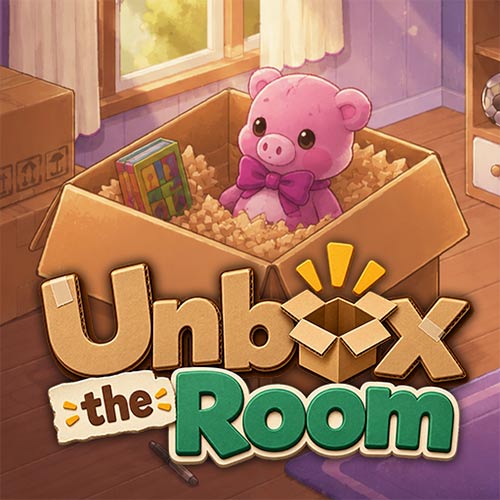
Unbox the Room is a relaxing puzzle and organization simulation game where you unpack boxes and find the right place for everyday belongings. Take out items one by one, identify what they are, and arrange them across shelves, drawers, tables, and other suitable spaces. Instead of relying on speed or fast reactions, the game turns organizing pixel-art rooms into a series of small spatial puzzles. Some belongings also include interactive details, giving you more to discover while unpacking. With its calm pace and satisfying sorting mechanics, Unbox the Room makes tidying up part puzzle, part decoration, and part discovery.
Key Features of Unbox the Room
- Unpacking Gameplay: Open boxes and discover different belongings one item at a time.
- Organization Puzzles: Figure out the most suitable place for each object around the room.
- Room Arrangement: Use shelves, drawers, tables, and other spaces to organize your belongings.
- Interactive Objects: Discover items with extra interactions, including objects you can personalize.
- Relaxing Experience: Organize at your own pace without fast-paced action or complicated controls.
Gameplay Guide for Unbox the Room
Unbox the Room follows a satisfying loop of unpacking, identifying, and organizing. Each new object creates a small puzzle: understand what it is, look around the room, and decide where it should go.
Unpack and Organize Every Room
Start by taking belongings out of the available boxes. You may uncover books, decorations, personal objects, and other everyday items that need a place somewhere in the room.
Look around for suitable storage and surfaces before placing an item. Some objects naturally belong on shelves or tables, while others need a more specific location. As more belongings appear, available space becomes an important part of the puzzle.
Not everything is simply unpacked and forgotten. Certain objects have small interactive features that add personality to the room. For example, you can interact with a cassette tape and type a name onto its label.
Unbox the Room Controls
PC
- Left Mouse Button: Select, pick up, place, and interact with objects.
- Mouse Drag: Move objects around the room.
- Keyboard: Type when interacting with objects that support text input.
Mobile
- Tap: Select or interact with an object.
- Drag: Move and place items around the room.
- On-Screen Keyboard: Enter text when available.
Tips for Unbox the Room
- Identify Items First: Understanding an object's purpose can help you find its logical location.
- Organize Similar Objects Together: Grouping related belongings makes available space easier to manage.
- Check Storage Areas: Use shelves, drawers, and other storage spaces instead of placing everything on open surfaces.
- Try Another Spot: If an object does not belong where you first place it, look for another logical location.
- Explore Interactive Items: Check unusual belongings for extra interactions or personalization features.
Turn a pile of boxes into a perfectly organized space. Play Unbox the Room online, unpack every item, and find the right place for everything.