Game Controls
Desktop
- Left Mouse Button - Select, place, and interact with items.
- Drag - Move applicable decorations and objects.
Mobile:
- Tap - Select and interact.
- Drag with your finger - Move and position applicable items.











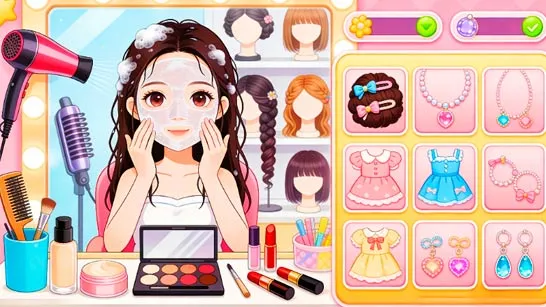


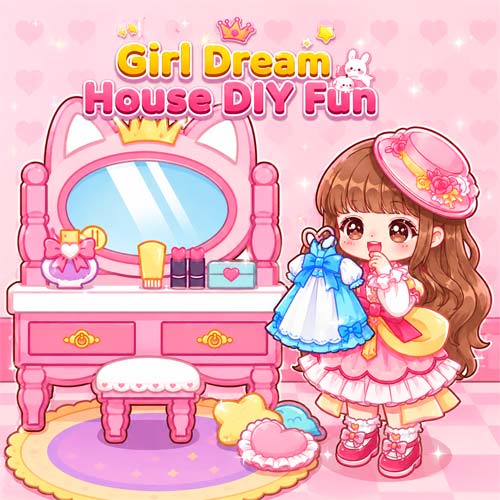
Girl Dream House DIY Fun
Introduction to Girl Dream House DIY Fun
Girl Dream House DIY Fun is a casual creative game that combines character styling, room decoration, and picture making in one colorful space. Rather than giving you levels to beat or scores to chase, it lets you decide what looks good and build around your own ideas. Dress up a character in the Styling Hut, arrange furniture and decorations in Wonderful World, then bring those creations together in the Polaroid Album. The large selection of decorative pieces makes experimenting with different colors, layouts, and themes the main attraction. With no pressure from timers or difficult challenges, it works especially well as a relaxing browser game for anyone who enjoys decorating and customization.
Key Features
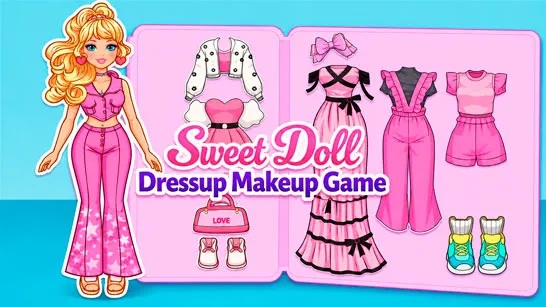
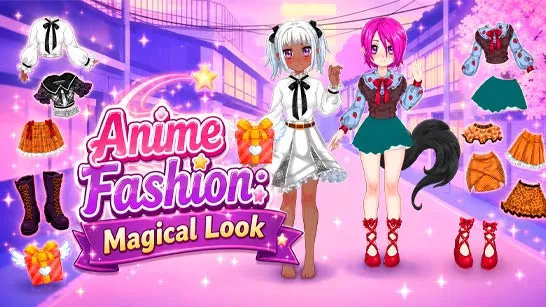
- Character Styling - Create different looks for your character before using them in other creative activities.
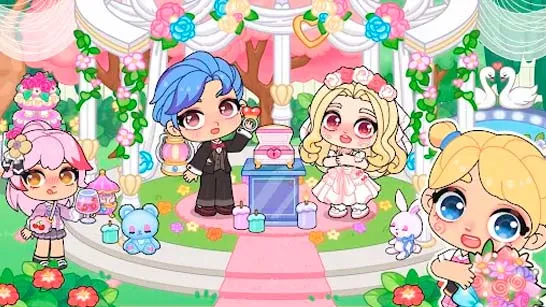
- DIY Room Decoration - Arrange furniture, windows, wall decorations, pictures, and other objects to build your preferred interior.
- Flexible Item Placement - Move decorative pieces around the room instead of being limited to a single preset layout.
- Wonderful World - Explore the game's dedicated decorating activity and experiment with different room designs.
- Polaroid Album - Turn your styled characters and decorated spaces into personalized pictures.
- Casual Creative Play - There is no demanding action to master; the focus stays on design choices and visual experimentation.
Gameplay Guide for Girl Dream House DIY Fun
There isn't one strict route through Girl Dream House DIY Fun. Its different creative activities are connected by the same idea: choose what you like, customize it, and use the result in your next creation.
Creative Gameplay Mechanic
The Styling Hut handles the character side of the game. Here, you can experiment with your character's appearance and put together a look that fits the style you have in mind.
Wonderful World shifts the focus to interior design. Select decorative objects from the available menu and place them around the room. Items such as windows, framed pictures, and wall decorations can be repositioned, letting you test different arrangements rather than settling for the first layout.
The Polaroid Album connects these creative elements by letting you make pictures using your character and decorated spaces. There is no need to optimize a build or beat an opponent; the fun comes from mixing styles until the character, room, and final picture feel like your own.
Game Controls
Desktop
- Left Mouse Button - Select, place, and interact with items.
- Drag - Move applicable decorations and objects.
Mobile:
- Tap - Select and interact.
- Drag with your finger - Move and position applicable items.
Tips for Better Designs
- Pick a theme first. Choosing a general color or style makes decorating the room easier.
- Build around larger objects. Position major pieces before filling smaller empty spaces.
- Try several placements. Move wall decorations around until the composition feels balanced.
- Coordinate the character and room. A matching outfit can make Polaroid pictures feel more cohesive.
- Experiment before confirming. This is a creative game, so testing combinations is part of the fun.
Style your character, build a room around your favorite ideas, and turn the finished design into a colorful keepsake in Girl Dream House DIY Fun.