Drawing and Sandbox Controls
PC
- Mouse: Select elements and tools.
- Left-Click / Drag: Paint and place elements on the canvas.
Mobile
- Tap: Select an element or tool.
- Touch / Drag: Draw and place materials.









Sandspiel
Introduction to Sandspiel
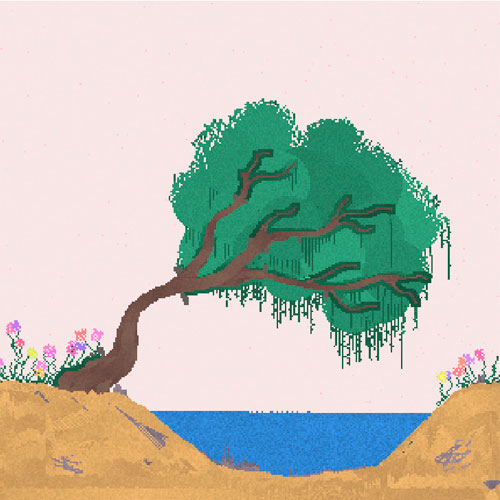
Sandspiel is a fun 2D physics sandbox game where simple pixel elements can create surprisingly complex reactions. Players paint materials such as sand, water, fire, lava, oil, plants, and acid directly onto the canvas and watch them interact. Water flows, sand falls and piles up, plants grow, while heat and destructive elements can quickly transform a carefully built scene. There is no score or fixed objective pushing the session forward; the fun comes from building, experimenting, and discovering what happens when different materials meet. This browser game can be relaxing one moment and completely chaotic the next, depending on what you decide to add to your tiny simulated world.
Key Features of Sandspiel
- Interactive Pixel Elements: Mix 20 different materials with their own behaviors and reactions.
- Open Physics Sandbox: Experiment freely without levels, missions, or a win condition.
- Creative Building: Use solid and flowing materials to create landscapes, structures, and small systems.
- Emergent Reactions: Fire, water, lava, acid, plants, oil, and other elements can affect one another in unexpected ways.
- Paint-and-Play Controls: Draw materials directly onto the canvas and immediately see the simulation respond.
Gameplay Guide for Sandspiel
Sandspiel works more like an interactive physics experiment than a traditional level-based game. Pick an element, paint it onto the canvas, and then introduce other materials to see how the environment changes.
Build, Mix, and Experiment with Elements
Start with basic materials such as sand, water, stone, or plants to shape your scene. From there, add reactive elements like fire, lava, oil, or acid and watch the simulation develop on its own.
Small changes can produce very different results. A structure that remains stable with sand and water may behave completely differently once heat or corrosive materials are introduced. Since there is no required solution, you are free to rebuild, destroy, or keep modifying the same experiment.
Drawing and Sandbox Controls
PC
- Mouse: Select elements and tools.
- Left-Click / Drag: Paint and place elements on the canvas.
Mobile
- Tap: Select an element or tool.
- Touch / Drag: Draw and place materials.
Tips for Better Sandspiel Experiments
- Start with Simple Combinations: Test two materials first to understand how they react before creating larger systems.
- Build Before You Destroy: Walls and solid materials can help contain water, fire, or other reactive elements.
- Test Fire Carefully: Try it around plants, wood, oil, and other materials to discover different reactions.
- Experiment with Layers: Stack solids, liquids, and loose particles to see how gravity changes the scene.
- Change One Element at a Time: Small adjustments make it easier to understand what caused a particular reaction.
Play Sandspiel online now! Combine different elements, and see how far one simple experiment can evolve.