

Game Controls
PC
- Left mouse button: Select customization categories, clothing, hairstyles, accessories, and menu options.
- Camera button: Capture your completed character look.
Mobile
- Tap: Browse categories and select customization items.
- Tap the camera icon: Save a snapshot of the current design.
Anime Fashion: Magical Look
Introduction to Anime Fashion: Magical Look
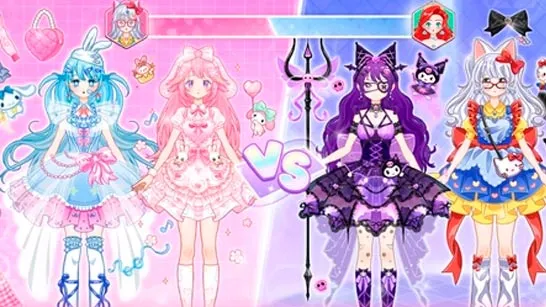
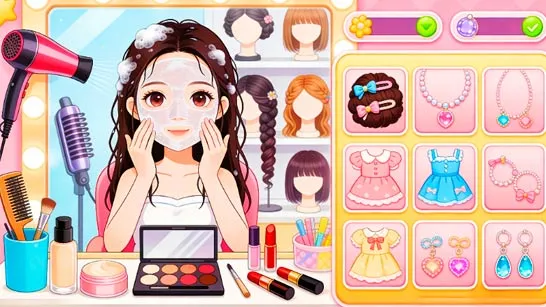
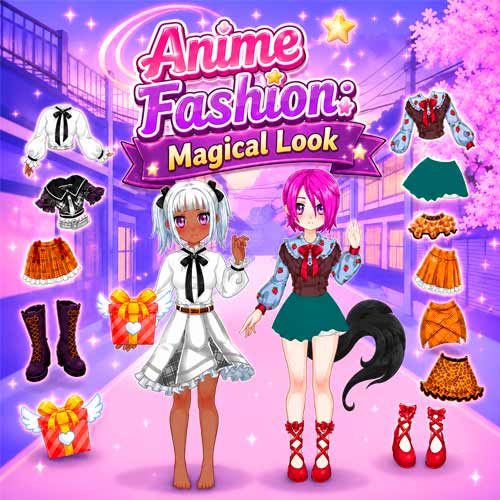
Anime Fashion: Magical Look is a colorful anime dress-up game built around character styling, creative outfit combinations, and head-to-head fashion battles. Starting with a simple anime avatar, you can change her appearance from head to toe with different skin tones, hairstyles, facial details, tops, skirts, shoes, accessories, bags, and fantasy-inspired items. The wardrobe goes beyond everyday fashion, making room for dramatic magical looks with wings, unusual hairstyles, and other eye-catching pieces. A dedicated Battle option adds a competitive twist by putting your finished style against another character and comparing their results. As a free online browser game, it works especially well for quick styling sessions where experimenting is more important than following a fixed path.
Highlight Features
- Anime character customization: Change skin tone, hairstyles, facial details, clothes, shoes, and accessories.
- Mix-and-match fashion: Combine different pieces to create cute, casual, or fantasy-inspired outfits.
- Magical accessories: Add wings and other standout items for more imaginative character designs.
- Fashion Battle mode: Put your finished look against another character and compare heart scores.
- Play mode: Style freely without focusing on competition.
- Photo option: Capture your favorite completed looks.
Gameplay Guide for Anime Fashion: Magical Look
Anime Fashion: Magical Look keeps the gameplay simple and focused on creativity. Choose Play for free styling or Battle to compete with another fashion look.
Create Your Anime Look
Browse the customization categories and build your character from head to toe. Choose a skin tone and hairstyle, then combine tops, skirts, socks, shoes, bags, glasses, and fantasy accessories. In Battle mode, your completed design is compared with another character using heart scores.
Game Controls
PC
- Left mouse button: Select customization categories, clothing, hairstyles, accessories, and menu options.
- Camera button: Capture your completed character look.
Mobile
- Tap: Browse categories and select customization items.
- Tap the camera icon: Save a snapshot of the current design.
Anime Styling Tips and Tricks
- Pick a theme first. Cute school fashion, fantasy, elegant, or intentionally wild looks are easier to build when you have a direction before adding accessories.
- Start with hair and clothing. These occupy the most visual space, so settle on them before worrying about smaller details.
- Use statement pieces carefully. Large wings, unusual bags, and bold accessories can define a magical outfit without needing every item to be equally extravagant.
- Check the full character before finishing. Shoes, socks, and smaller accessories may look minor in the menu but can noticeably change how cohesive the final outfit feels.
- Experiment before Battle mode. Try contrasting combinations in Play mode, then bring your strongest finished design into a fashion battle.
Create your own anime style in Anime Fashion: Magical Look, mix everyday fashion with magical accessories, then see how your finished design performs in a fashion battle.



















