Control Guide
- Mouse / Touch Click: Select menus, change outfits, switch poses, and customize character details.
- Drag / Tap: Adjust sliders (such as colors or animation speed) and navigate customization options.
- On-screen Buttons: Use icons to switch between Pose, Face, Hair, Clothes, Accessories, Toys, and Slot Management.
- Animation Controls: Play, pause, move forward/backward through animations using the on-screen control buttons.





Gacha Life 3
What Is Gacha Life 3?
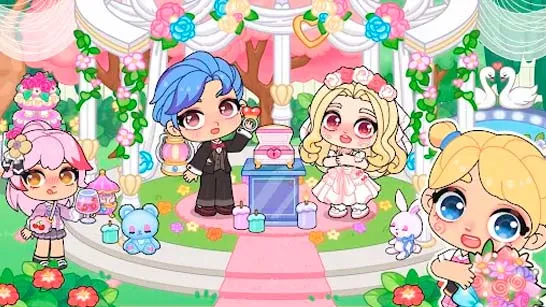
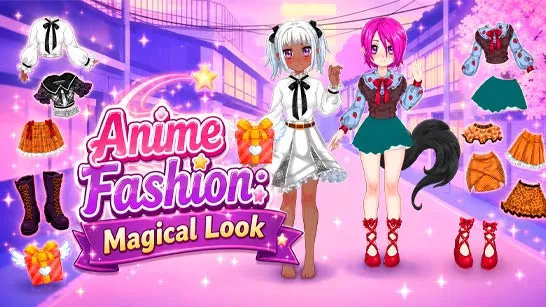
Gacha Life 3 is a dress-up and character creator game inspired by anime, and it gives you the chance to create an avatar in every detail. Everything, including facial expressions and hairstyles, clothing, accessories and poses, is customizable. The game is creative by all means, and thus, it suits the players who prefer visual design, roleplay preparation or storytelling. Through its modernized avatar creator, Gacha Life 3 provides more freedom than ever to experiment with colors, styles, and character ideas without restrictions.
How to Play Gacha Life 3
The most important part of Gacha Life 3 is the detailed customization menu. Gamers will be able to just change to other parts to create all the details of their character:
- Pose: Choose from a wide variety of static and animated poses to give your character personality and movement.
- Face: This is to vary facial expression, facial features, and eyes to suit any mood or feeling.
- Hair: Choose between mix and match hairstyles to come up with any type of hairstyle be it classic anime or contemporary fantasy hairstyles.
- Clothes and Trousers: Dress your figure with clothes based on anime fashions, casual clothing and artistic fashions.
- Hats and Accessories: We have some additional details like hats and accessories which complete the appearance.
- Toys and Props: Enhance scenes or poses with fun visual elements.
- Slot Management: Save and manage multiple characters at once, ideal for building a full cast.
Control Guide
- Mouse / Touch Click: Select menus, change outfits, switch poses, and customize character details.
- Drag / Tap: Adjust sliders (such as colors or animation speed) and navigate customization options.
- On-screen Buttons: Use icons to switch between Pose, Face, Hair, Clothes, Accessories, Toys, and Slot Management.
- Animation Controls: Play, pause, move forward/backward through animations using the on-screen control buttons.
Why Gacha Life 3 Stands Out
- Expanded customization with modern UI
- Clean, anime-inspired visual style
- Flexible pose and animation controls
- Ideal for character design, roleplay, and storytelling
- Easy to use for beginners, deep enough for long-time fans
Try Oher Gacha Life Games
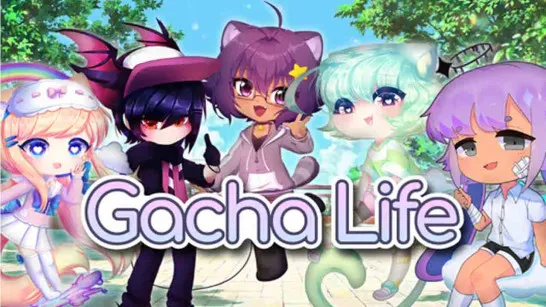
- Gacha Life - Create adorable anime characters and tell your own stories.
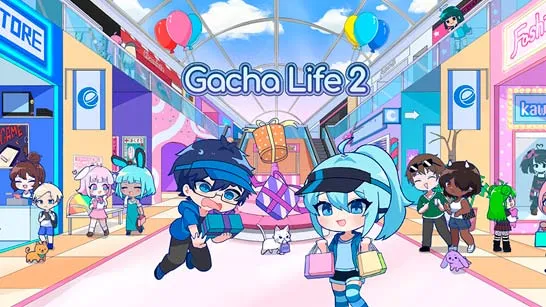
- Gacha Life 2 - Customize characters with deeper options and create unique anime scenes.
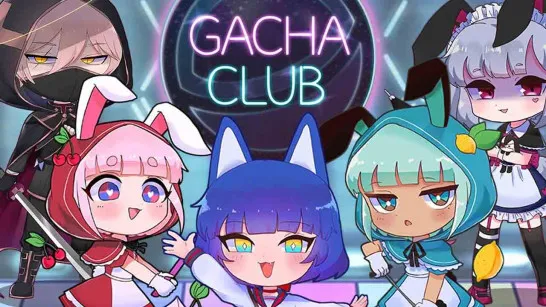
- Gacha Club - Build anime teams, design outfits, and unleash your creativity.
Gacha Life 3 is a treatise to creativity. You want to create one anime avatar or create a whole universe of characters, the game provides you with the means of bringing your ideas into life and making it easy. Beautiful, user-friendly, and infinitely customizable, it is an indispensable game to everyone who enjoys anime aesthetics and character design.