Game Controls
- W, A, S, D - Move
- Mouse - Look around
- Space - Jump
- F - Place selected block
- E - Remove block
- Q - Preview selected block
- Mouse Wheel / Arrow Buttons - Switch building materials








Crafting and Building
Introduction to Crafting and Building
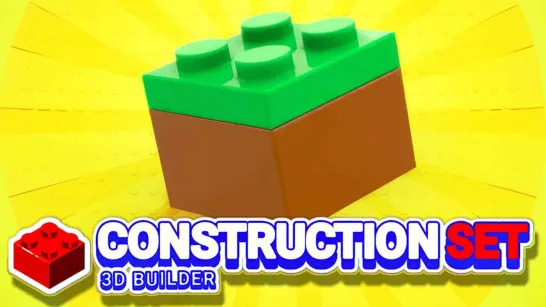
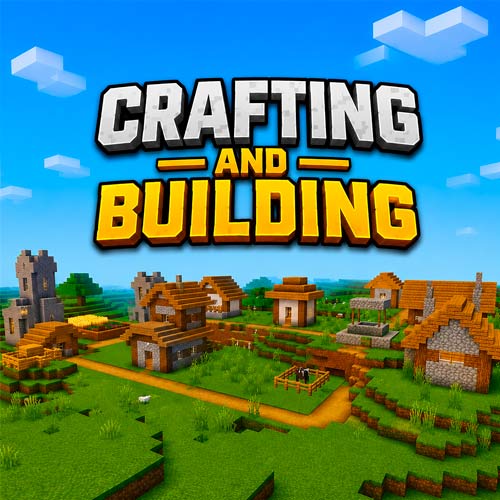
Crafting and Building is a sandbox building game where your goal is to design, build, and customize your own world using hundreds of different blocks and decorative materials. Inspired by classic voxel construction games, it gives you complete creative freedom to build houses, castles, gardens, bridges, or entire cities block by block.
Crafting and Building focuses on creativity, exploration, and experimenting with different building materials to turn your ideas into reality. Whether you're constructing a modern mansion or decorating a peaceful landscape, every project is limited only by your imagination.
Crafting and Building Key Features
- Unlimited Creative Building - Construct houses, castles, villages, gardens, and custom landscapes block by block.
- Large Collection of Building Blocks - Built with wood, stone, glass, plants, bricks, ores, and decorative materials.
- Open Sandbox World - Explore freely while designing and expanding your creations at your own pace.
- Simple Block Placement System - Quickly place, remove, and replace blocks with intuitive controls.
- Creative Decoration Tools - Add trees, flowers, paths, windows, and other details to bring every build to life.
- Relaxing Offline Gameplay - Enjoy a stress-free building experience without combat or time limits.
Gameplay Guide for Crafting and Building
Start with a simple structure, learn the building tools, and gradually create larger, more detailed projects using different blocks and decorations.
Gameplay Basics
Crafting and Building is all about creating your own world. Select a block from the building inventory, place it wherever you like, and combine different materials to shape your environment.
Wood, stone, glass, plants, and decorative blocks can all be used together to create unique buildings. You can remove misplaced blocks, redesign existing structures, or completely transform the landscape by digging, filling, and decorating the terrain.
The open sandbox encourages experimentation. Build a cozy cabin, design a luxury villa, create a peaceful garden, or expand your world into a massive city. Since there are no objectives forcing your progress, you can build entirely at your own pace.
Game Controls
- W, A, S, D - Move
- Mouse - Look around
- Space - Jump
- F - Place selected block
- E - Remove block
- Q - Preview selected block
- Mouse Wheel / Arrow Buttons - Switch building materials
Tips and Tricks to Build
- Build the main structure before adding decorative details.
- Combine wood, glass, and plants to create more realistic buildings.
- Flatten uneven terrain before starting large construction projects.
- Preview blocks before placing them to avoid unnecessary rebuilding.
- Mix different materials to add texture and depth to your creations.
- Save complex decorations until the main layout is finished.
Play Crafting and Building, place every block with purpose, and transform an empty world into your own masterpiece filled with creativity, imagination, and endless possibilities.
Similar Sandbox Building Games
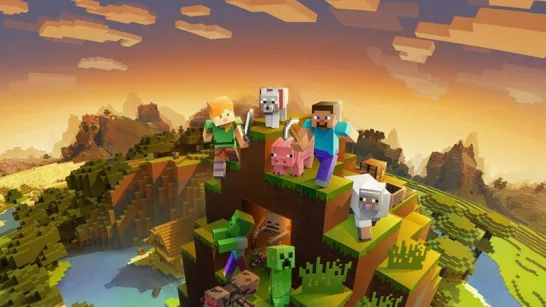
- Minecraft
- Paper Minecraft
- Eaglercraft
- Infinite Craft
- Block Sandbox