Game Controls
- W, A, S, D – Move
- Mouse – Look around
- Left Click – Remove blocks
- Right Click – Place blocks
- Mouse Wheel / Number Keys – Switch between building blocks
- Spacebar – Jump
- E – Open inventory
- Q – Save your world







Block Craft 3D
Introduction to Block Craft 3D
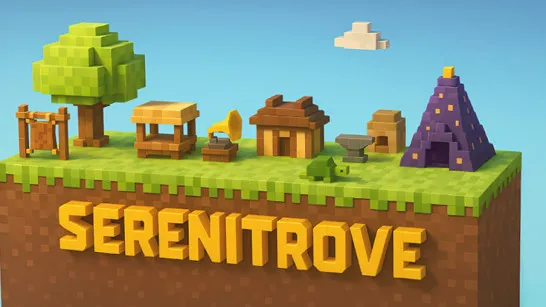
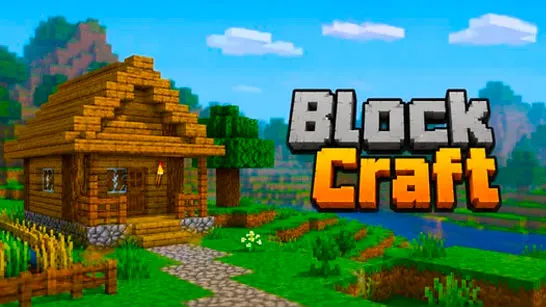
Block Craft 3D is a creative sandbox building game where you can explore a voxel world, place and remove blocks, and construct anything you can imagine. Inspired by classic block-building adventures, the game gives you complete creative freedom without worrying about survival mechanics or enemies. Whether you want to build a cozy cabin, a towering castle, or an entire city, every project starts with your imagination and a collection of building blocks.
With its simple controls, colorful pixel graphics, and instant access from your browser, Block Craft 3D is an excellent choice for players who enjoy crafting, architecture, and relaxing creative gameplay.
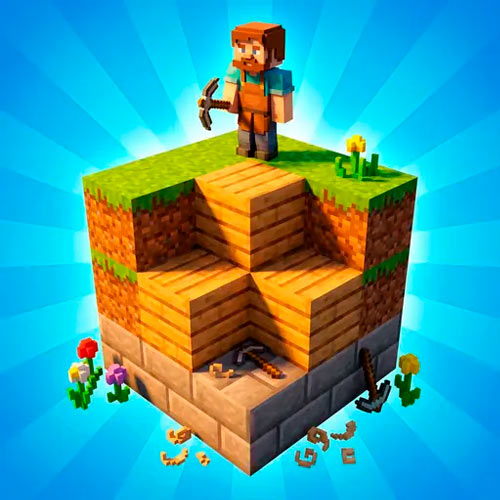
Notable Game Features
- Unlimited Creative Building – Design houses, villages, castles, bridges, or massive cities block by block.
- Open Sandbox World – Explore a large voxel environment filled with hills, trees, and open landscapes.
- Wide Selection of Building Blocks – Build with grass, wood, stone, bricks, leaves, and many other materials.
- Easy Building Mechanics – Place and remove blocks quickly using intuitive controls.
- Save Your Progress – Continue expanding your creations whenever you return.
- Browser-Based Gameplay – Play instantly without downloads or installations.
Gameplay Guide for Block Craft 3D
Building your dream world is easy to learn, but creating impressive structures takes creativity and planning.
Gameplay Basics
Your adventure begins in an open block world where every piece of terrain can become part of your next project. Select blocks from the inventory, place them anywhere in the environment, and remove unwanted blocks to reshape the landscape.
Block Craft 3D focuses entirely on creativity. There are no monsters, hunger bars, or resource gathering to interrupt your building session. This allows you to experiment freely with architecture, landscaping, and large-scale construction.
As your ideas become more ambitious, you can combine different materials to create realistic buildings, decorative details, and unique landmarks that transform the world around you.
Game Controls
- W, A, S, D – Move
- Mouse – Look around
- Left Click – Remove blocks
- Right Click – Place blocks
- Mouse Wheel / Number Keys – Switch between building blocks
- Spacebar – Jump
- E – Open inventory
- Q – Save your world
Tips and Tricks to Build
- Start with a simple foundation before adding walls and decorations.
- Mix stone, wood, and brick blocks to give buildings more depth and variety.
- Use natural hills and trees as part of your landscape instead of clearing everything.
- Build in layers to keep large projects organized.
- Save your progress regularly so you never lose your latest creations.
- Experiment with different block combinations to create unique architectural styles.
Play Block Craft 3D to Build Without Limits!
Start entering the world of Block Craft 3D today and turn a simple block world into your own masterpiece. Build, explore, and let your imagination shape every corner of the world.
Similar Building Games
If you enjoy the creative freedom of Block Craft 3D, you might also like: