Duck Playground 3D Controls
- WASD: Move
- Space: Jump
- Left Mouse Button: Action 1
- Right Mouse Button: Action 2
- Q: Open Spawn Menu
- X: View Game Rules
- R: Reload
- Esc: Pause








Duck Playground 3D
Introduction to Duck Playground 3D
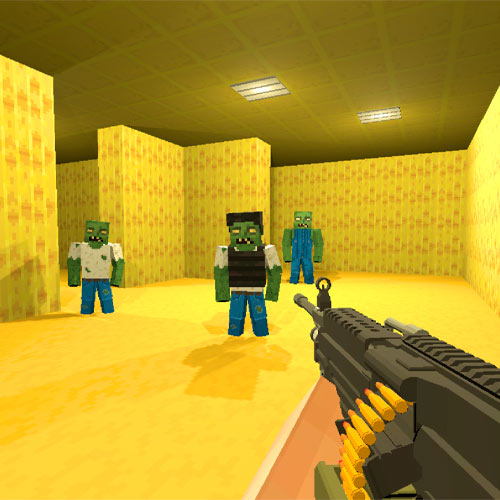
Duck Playground 3D is an open-ended 3D physics sandbox game where you create the action instead of following a fixed mission. Open the spawn menu, drop characters and props into the playground, build your own setups, then experiment with how everything reacts. Ragdoll physics make collisions, falls, and destruction unpredictable, while tools such as the gravity gun let you pick up, move, and throw objects around the environment. Weapons and vehicles add even more possibilities for testing your creations.
Game Highlights
- Open-Ended Sandbox: Experiment freely without fixed missions or a required path
- Ragdoll Physics: Watch characters react dynamically to impacts, falls, and environmental interactions
- Spawn Menu: Bring characters, props, and other objects directly into your custom setup
- Building and Destruction: Construct traps, towers, mazes, or experimental scenes, then put them to the test
- Weapons and Vehicles: Experiment with firearms, melee weapons, explosives, and drivable vehicles
Gameplay Guide to Dominate the Ground
There isn't one objective you have to complete. Choose what you want to create, use the sandbox tools to set it up, and then see how the physics respond.
Gameplay Mechanic
Press Q to open the Spawn Menu and add objects or characters to the playground. Arrange props into structures, traps, obstacle setups, or whatever experiment you have in mind. Once the scene is ready, interact with it however you like. Manipulate objects, test ragdoll reactions, use different tools and weapons, or drive vehicles into your creations. Collisions and other forces can trigger chain reactions, so even a simple setup can produce unexpected results.
Duck Playground 3D Controls
- WASD: Move
- Space: Jump
- Left Mouse Button: Action 1
- Right Mouse Button: Action 2
- Q: Open Spawn Menu
- X: View Game Rules
- R: Reload
- Esc: Pause
Ragdoll Physics Tips & Tricks
- Start small: Test a few objects before filling the entire playground.
- Use the Spawn Menu: Mix different props and characters to create more interesting experiments.
- Try the gravity gun: Moving or throwing objects can produce unexpected physics reactions.
- Build before destroying: Larger structures make destruction and chain reactions more interesting.
- Mix your tools: Test different weapons, props, and vehicles against the same setup.
There is no perfect way to play Duck Playground 3D. Spawn something strange, build around it, push the physics as far as you can, and find out what happens when your experiment falls apart.